Most social calendars fall apart in week three. Not because the strategy was wrong, but because nobody built a system that survives a busy week. Here is the operating model we see working across agencies managing ten or more client accounts.
Start with buckets, not posts
A content bucket is a themed library that refills itself. Instead of asking “what do we post Tuesday”, you ask “which bucket is due”. The calendar becomes a rotation problem rather than a creative problem, and creative work moves upstream where it belongs.
How many buckets per client
Four to six is the sweet spot. Fewer and the feed reads repetitive; more and nothing gets refilled often enough to stay current.
Refill cadence
Block ninety minutes a fortnight per client. Refill the two buckets closest to empty, not all of them. Partial refills beat a monthly marathon nobody finishes.
Separate the approval lane from the publishing lane
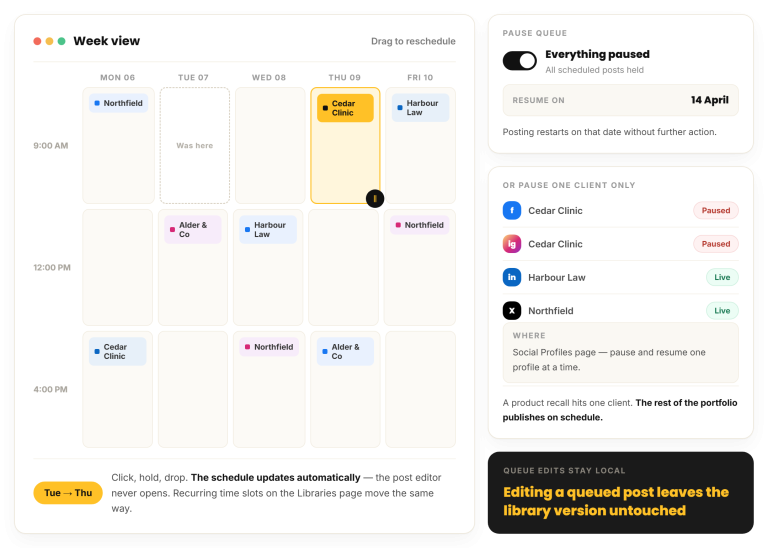
The single biggest source of missed posts is an approval step sitting in the same queue as scheduled content. When a client goes quiet for four days, everything behind them stalls. Keep evergreen rotation publishing on its own track that never waits on a human.
Approvals should gate new ideas, not the library you already agreed on.
Make the calendar readable at a glance
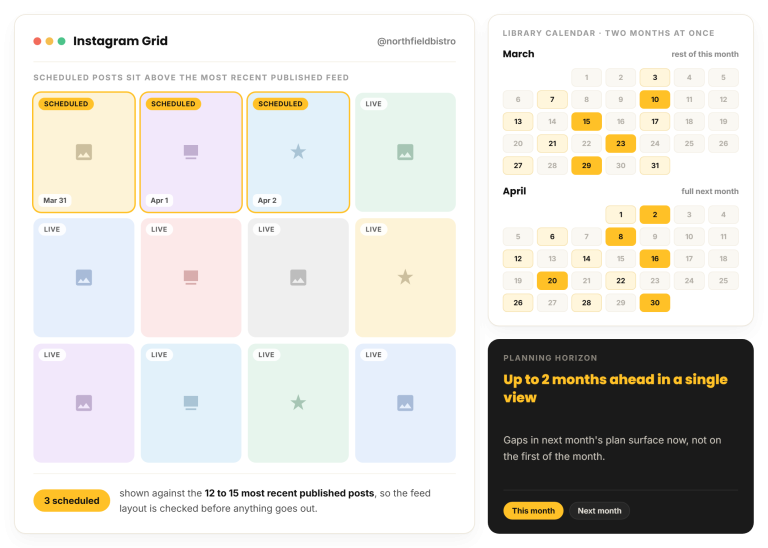
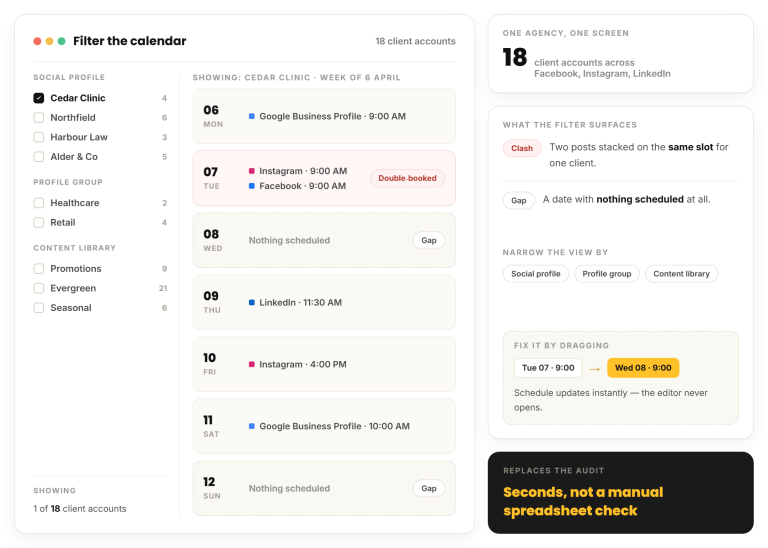
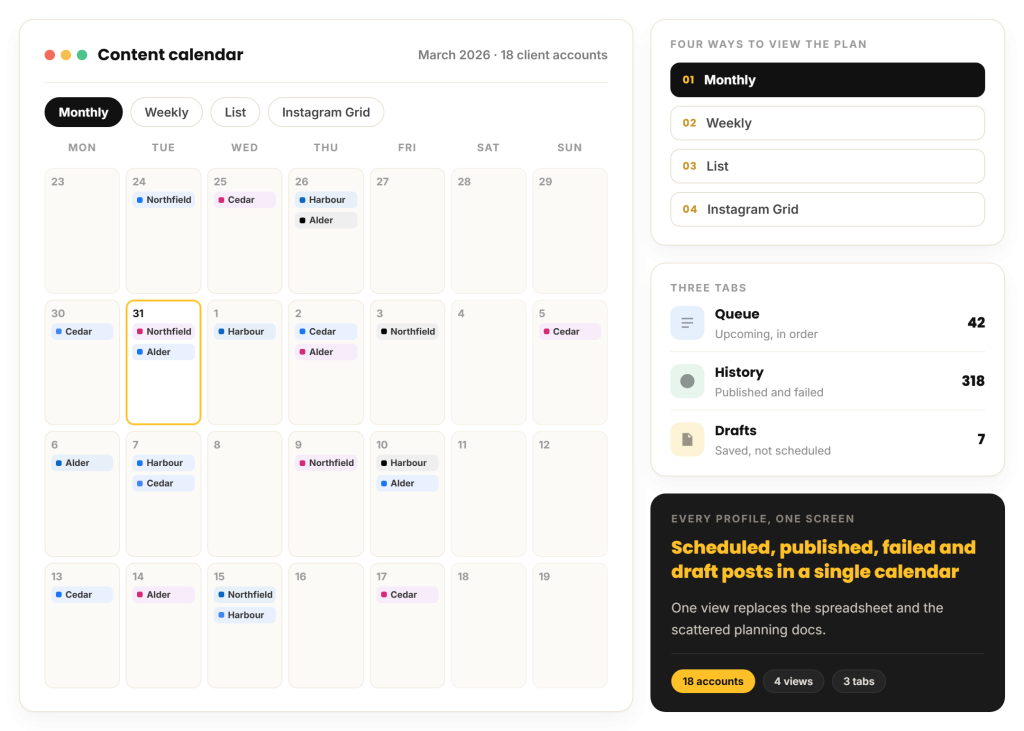
If a account manager cannot answer “is next week covered for Harbour” in five seconds, the calendar is not doing its job. Colour by bucket, filter by client, and keep one view that shows every account at once.
- One workspace per client, never a shared bucket namespace
- A view-only calendar link for the client, so status questions stop arriving by email
- Queue counts visible on the same screen as the calendar
Review monthly, not weekly
Weekly performance reviews on organic social mostly measure noise. Give a bucket a full month before you judge it, then retire the bottom one and split the top one into two variants.