
A client wants a reaction GIF in Friday’s post. The freelance manager running the account finds one on GIPHY, right-clicks and saves it. Within seconds, the file is on the desktop. But whether the host allows that file to be used in a client’s branded post is a separate question. The scenario is hypothetical.
This article examines help pages and terms from GIPHY, Tenor, Imgur and X, read on 13 October 2026. The review used no downloader sites or converters, and no tests were run.
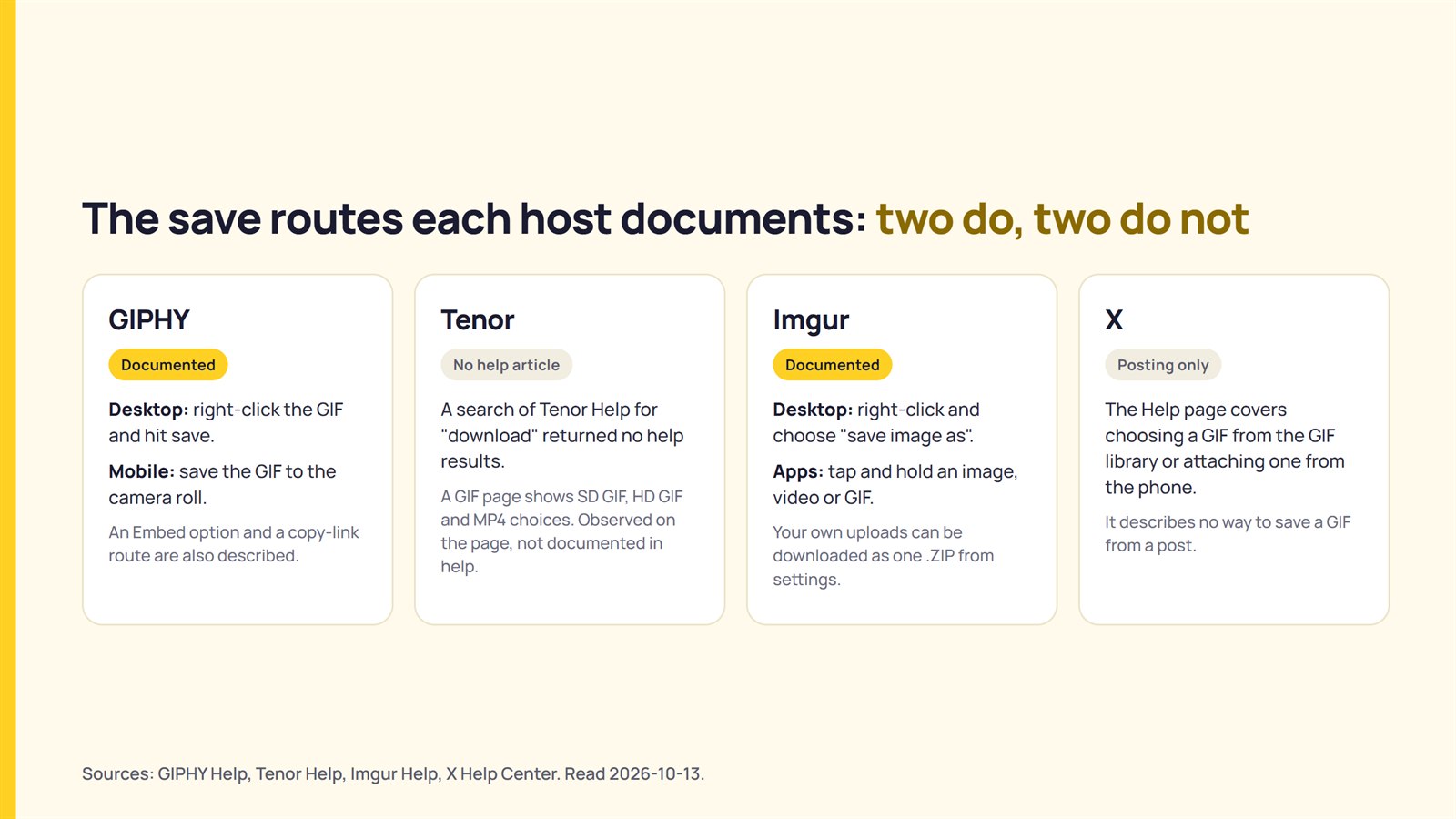
Two of the four hosts document a way to save a GIF: GIPHY and Imgur. Tenor’s Help Centre showed no saving method as of 2026-10-13 (a search there for ‘download’ returned no help results). X’s Help page covers posting GIFs rather than saving them. The GIPHY and Tenor terms reviewed contain commercial-use wording, so saving the file and using it for a client remain separate questions.
The save routes each host documents
GIPHY and Imgur document ways to save a GIF. Tenor’s Help Centre documents no saving method, while X’s Help page covers posting but not saving. The table below quotes what each host’s page says.
| Host | Documented route | What the page does not say |
|---|---|---|
| GIPHY | GIPHY’s help says “On desktop, save the GIF by right-clicking and hit save.” On mobile, the GIF can be saved to the camera roll. The embed article describes an Embed option on the GIF page with an iframe version and an HTML5 version. For Instagram, the article says to copy the link from the GIF’s details page on desktop, and the GIPHY app turns the GIF into a looped 15-second .mp4. | The embed article does not say whether embedding is treated differently from saving under the terms. |
| Tenor | Tenor Help lists FAQ articles and policy topics. A search for “download” there on 2026-10-13 returned no help results. A Tenor GIF page shows SD GIF, HD GIF, and MP4 format choices (observed on the page, not documented in help). | No help article describes a download route. |
| Imgur | Imgur’s “Image Downloads” article says to right-click an image on desktop and choose “save image as”. An entire post can be downloaded from the options menu, including hidden posts. In the Android and iOS apps, a tap and hold on an image, video, or GIF opens a download option. An account’s own uploads can be downloaded as one .ZIP from settings. | The article does not mention terms of use. |
| X | X’s “How to post photos or GIFs” article explains choosing a GIF from the GIF library, or attaching a GIF saved in the phone’s photo library. | The page describes no way to save a GIF from a post. |
Sources: GIPHY Help, Imgur Help, Tenor Help, X Help Center. Read 2026-10-13. Full list under Sources.
Take a freelance manager who builds next week’s posts for six client accounts. The same reaction GIF could come from any of the four hosts. Only two document how to save it, and none of the pages listed in the table state whether the saved file may be published.
GIPHY’s own summary describes use as ‘solely for personal and non-commercial purposes’. Whether a published client post fits depends on the terms covered in the next sections.
Which file you end up with
The saved file is not always a .gif. GIPHY’s Instagram article says its app converts a GIF into a looped 15-second .mp4 for upload. A Tenor GIF page lists MP4 alongside SD GIF and HD GIF (observed on one GIF page on 2026-10-13, not documented in Tenor’s help). What platforms say they keep of a file’s metadata on upload is covered in what social platforms say about Content Credentials.
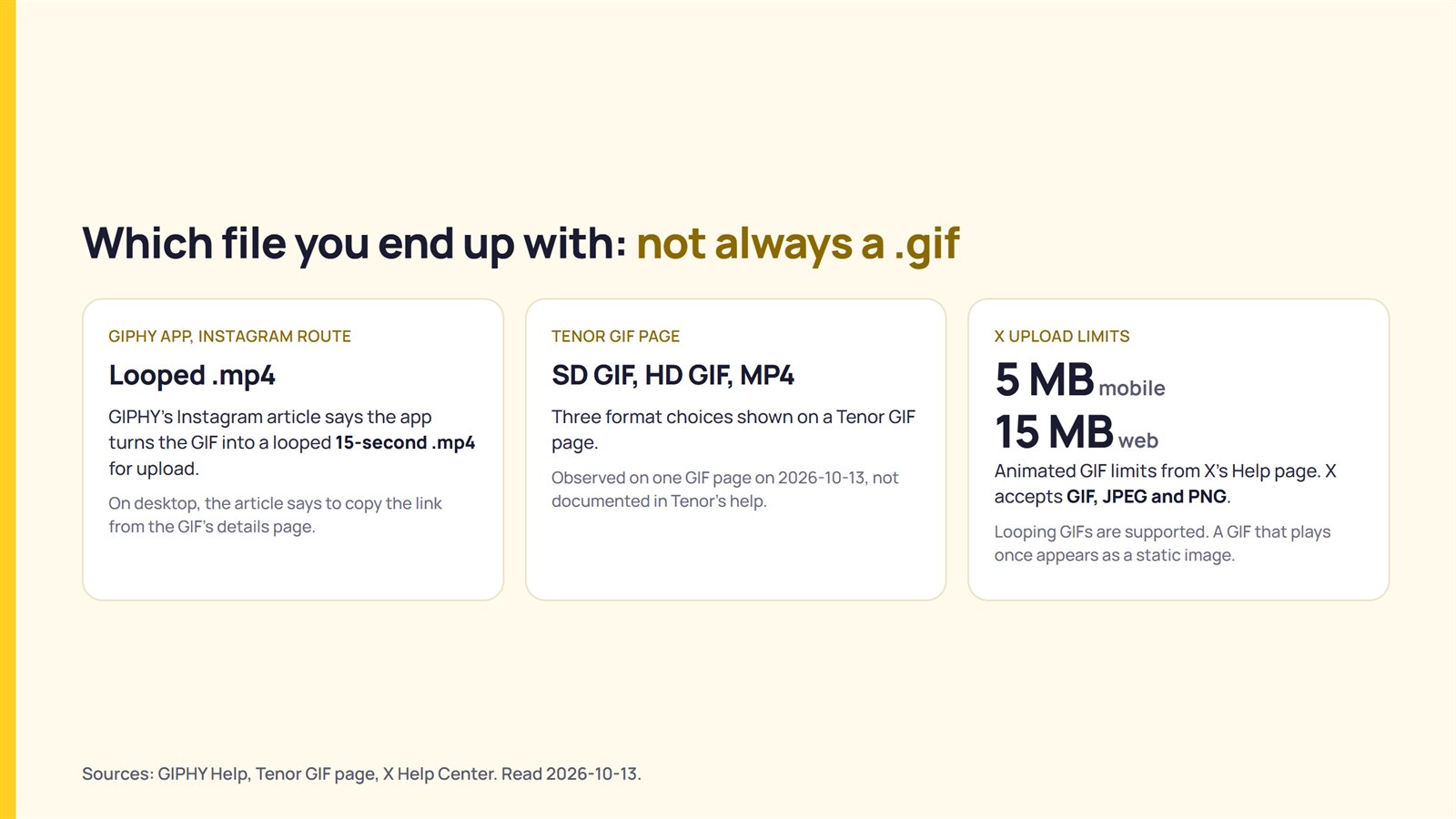
X’s Help page says the platform accepts GIF, JPEG, and PNG files. It sets animated GIFs at up to 5 MB on mobile and 15 MB on the web. A saved 9 MB GIF would therefore fit on X on the web but not on mobile. That is a reading of X’s stated limits, not a statement from X.
X also says it supports looping GIFs. An animated GIF that plays only once appears as a static image. GIF attachments do not count toward the character limit when posted through the X apps or interfaces listed on the Help page. Tags cannot be applied to animated GIFs.
What the hosts’ terms say about using a saved GIF
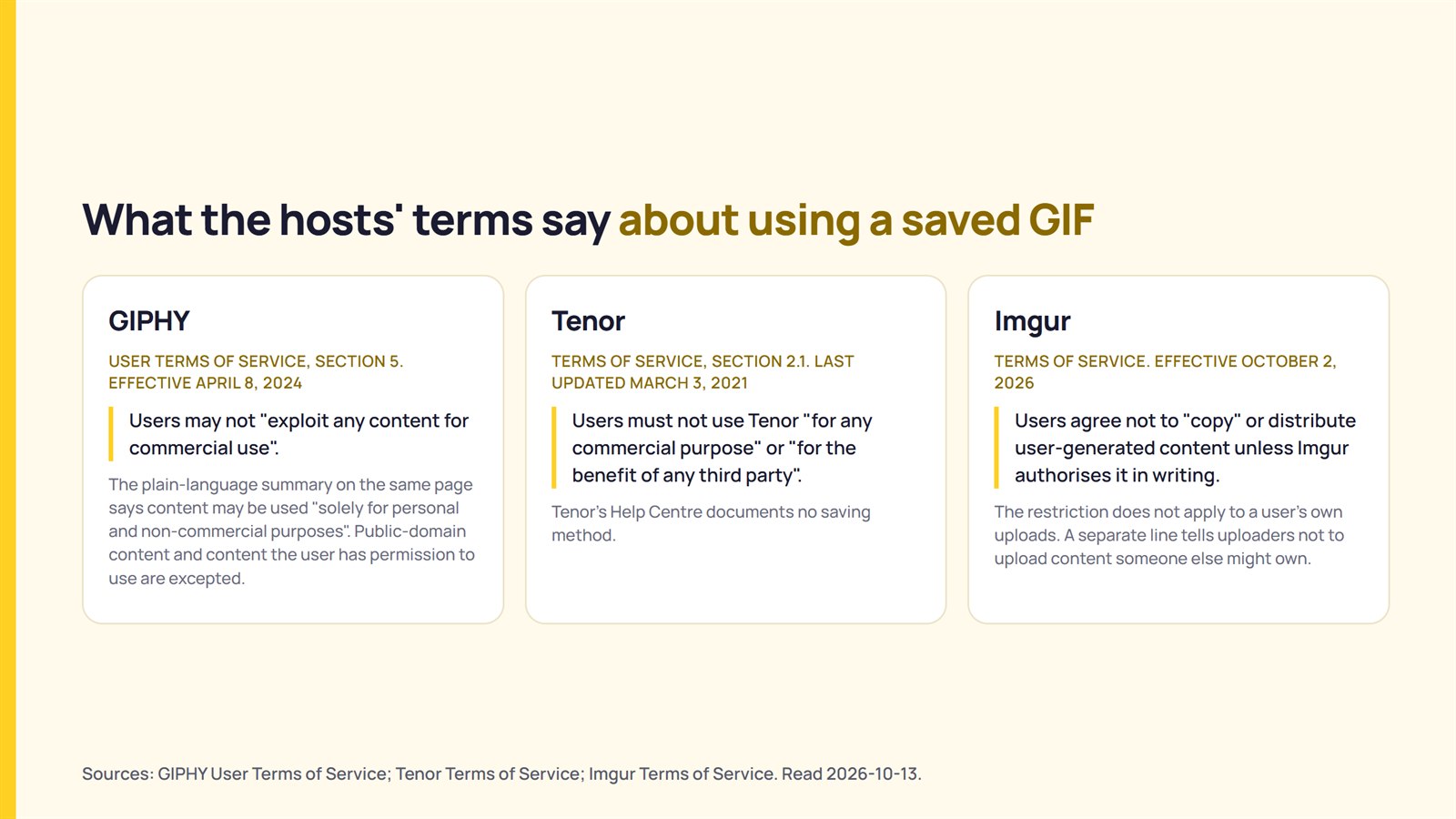
The GIPHY and Tenor terms reviewed contain commercial-use wording, while Imgur’s terms restrict copying other people’s uploads.
| Host | Terms version | Wording |
|---|---|---|
| GIPHY User Terms of Service, section 5 | Effective April 8, 2024 | Users “shall not copy, modify, publish, transmit, distribute, perform, or display any content”, and may not “exploit any content for commercial use”. The clause excepts public-domain content and content the user has permission to use. GIPHY’s plain-language summary on the same page says that, “generally speaking”, content found on the site may be used only “in connection with your use of the Services and solely for personal and non-commercial purposes”. |
| Tenor Terms of Service, section 2.1 | Last updated March 3, 2021 | Users must not use Tenor “for any commercial purpose” or “for the benefit of any third party”. |
| Imgur Terms of Service | Effective October 2, 2026 | Users agree not to “copy” or distribute the service, including user-generated content, unless Imgur authorises it in writing. The restriction does not apply to a user’s own uploads. A separate line tells uploaders not to upload content that someone else might own. |
Sources: GIPHY User Terms of Service; Tenor Terms of Service; Imgur Terms of Service. Read 2026-10-13.
In ordinary speech, a client’s branded post is a commercial use. That is this article’s reading; none of the terms read as defining commercial use for client work. This article therefore does not say how any host would treat a particular post.
GIPHY makes two further points. Section 3 says that, ‘as between you and GIPHY’, uploaders own the content they contribute, while Section 9 says GIPHY makes no representations about the “copyright compliance” of content on its service. The reuse terms post explains why platform terms and copyright law are two separate systems.
Client work and GIPHY’s agency rules
GIPHY’s agency article concerns channels that distribute content for clients, not saving.
GIPHY’s agency article says brand channels are “reserved strictly for brands, talent, and other organizations and public figures uploading content they OWN”. Agency-branded channels distributing content for clients “do not qualify for Brand channels at this time”. It also says channels suspected of distributing content on behalf of clients “will be removed from GIPHY’s Search”. GIPHY recommends setting up a brand channel on the client’s behalf.

Take an agency that wants GIPHY channels for six clients’ animated logos. GIPHY’s article points to a brand channel for each client. That is a reading of the article’s recommendation, not a statement from GIPHY. That approach fits a client who owns an animation and wants it on GIPHY. It does not fit an agency that wants to repost other people’s GIFs through its own channel.
GIPHY’s agency article covers uploading and channel eligibility. It does not address using a saved GIF in a client’s post.
Checking a GIF before you put it in a client post
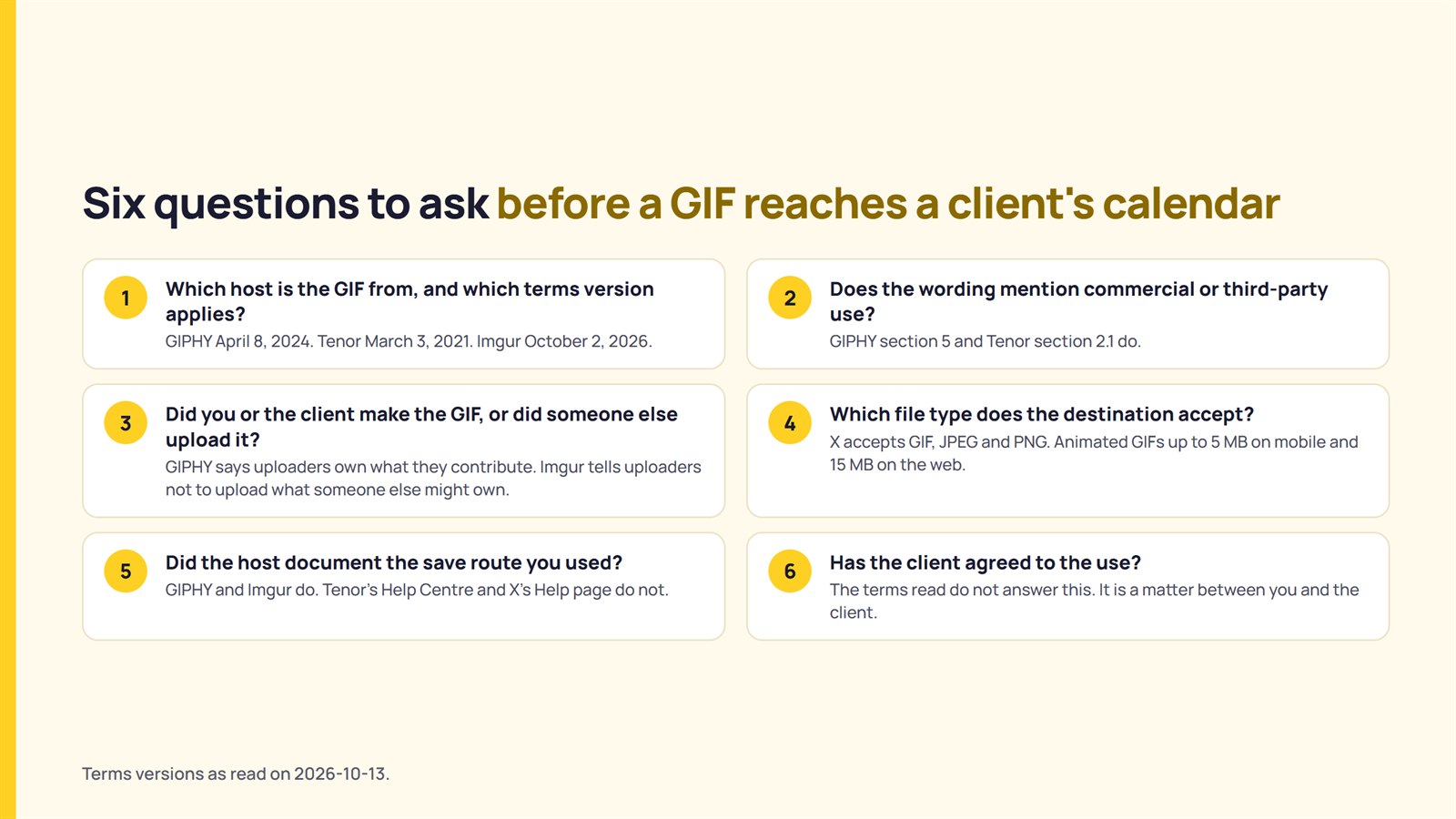
Six questions help sort a GIF before it reaches a client’s calendar.
| Question | What the documentation says to look for |
|---|---|
| 1. Which host is the GIF from, and which terms version applies? | GIPHY’s terms are effective April 8, 2024. Tenor’s were last updated March 3, 2021. Imgur’s are effective October 2, 2026. These are the versions read on 2026-10-13. |
| 2. Does the wording mention commercial or third-party use? | GIPHY section 5 and Tenor section 2.1 do. |
| 3. Did you or the client make the GIF, or did someone else upload it? | GIPHY Section 3 says that, ‘as between you and Giphy’, uploaders own the content they contribute. Imgur tells uploaders not to upload what someone else might own. |
| 4. Which file type does the destination accept? | X accepts GIF, JPEG, and PNG, with animated GIFs up to 5 MB on mobile and 15 MB on the web. |
| 5. Did the host document the save route you used? | GIPHY and Imgur do. Tenor’s Help Centre and X’s Help page do not. |
| 6. Has the client agreed to the use? | The terms read do not answer this. It is a matter between you and the client. |
If the GIF is the client’s own animation, the exceptions are the relevant wording: GIPHY’s section 5 excepts content the user has permission to use, and Imgur’s restriction does not cover a user’s own uploads. If it comes from a host’s library, the host’s terms are the starting point. Whether those terms cover a particular post is a question for the client’s own lawyer.
What could not be confirmed
This reading cannot settle eight points:
- Tenor’s Help Centre documents no download method.
- X’s Help page documents no way to save a GIF from a post.
- The terms reviewed do not say whether embedding is treated differently from saving.
- Current documentation did not confirm whether X converts uploaded GIFs to video.
- GIPHY’s help articles show no revision dates.
- Copyright in the clips used within a GIF remains a separate question that the terms do not settle.
- Meta’s GIF library rules and the GIPHY and Tenor API terms were not reviewed.
- Whether the hosts enforce this wording in practice remains unknown.
FAQ
How do I save a GIF from GIPHY?
GIPHY’s Facebook article says: “On desktop, save the GIF by right-clicking and hit save. On mobile, you can save the GIF to your camera roll.” Its embed and Instagram articles describe an Embed option and copying the link from the GIF’s details page.
Can I download a GIF from Tenor?
Tenor’s Help Centre showed no saving method as of 2026-10-13 (a search there for ‘download’ returned no help results). A Tenor GIF page shows SD GIF, HD GIF, and MP4 format choices (observed on one GIF page on 2026-10-13, not documented in Tenor’s help).
Can I save a GIF from X?
X’s Help page explains how to post GIFs but does not document how to save them. It lists GIF, JPEG, and PNG as accepted file formats and sets animated GIF limits of 5 MB on mobile and 15 MB on the web.
Can I use a saved GIF in a client’s post?
GIPHY’s summary says that, “generally speaking”, content found on the site may be used only “in connection with your use of the Services and solely for personal and non-commercial purposes”, and Tenor’s terms bar use “for any commercial purpose”. Neither defines commercial use for client work. Whether a particular post is covered is a question for the client’s own lawyer.
Sources
- GIPHY, “GIPHY User Terms of Service” (effective April 8, 2024), fetched 2026-10-13.
- GIPHY Help, “How to Share a GIF on Facebook“, fetched 2026-10-13.
- GIPHY Help, “How to Embed a GIF“, fetched 2026-10-13.
- GIPHY Help, “How To Post GIFs on Instagram“, fetched 2026-10-13.
- GIPHY Help, “GIPHY For Agencies“, fetched 2026-10-13.
- Tenor, “Tenor Terms of Service” (last updated March 3, 2021), fetched 2026-10-13.
- Tenor Help, fetched 2026-10-13.
- Imgur Help, “Image Downloads“, fetched 2026-10-13.
- Imgur, “Terms of Service” (effective October 2, 2026), fetched 2026-10-13.
- X Help Center, “How to post photos or GIFs on X“, fetched 2026-10-13.