A freelance social media manager manages a bakery’s Facebook Page. The bakery owner asked the manager to create a shareable offer for Saturday. A customer reported on the day of the campaign that the Share button is not shown.
A Facebook post is shareable only within its audience. This piece is a reading of ten Facebook Help Centre pages. None of them explain anything about providing a separate switch. The Help Centre pages only describe the post’s original audience setting. Meta’s Help Centre pages highlight that when a person clicks ‘Share’, they cannot share it with an audience range outside the selected category for the original post.
The ten Help Centre pages were read on 2026-10-13 to document information on post audience and sharing details.
The readings cover information on profile posts, Page posts, and posts in public groups. However, it doesn’t describe anything about Reels and Stories, for which Meta says to use different audience selections. No test was run for the reading.
Select the widest audience setting option to set a ceiling on how far your share reaches.
A share cannot reach beyond the post’s original audience
Meta’s Help Centre states the share limit on its page about who can see your post. The conditions include:
- Only the people who could see the original post will see the shared post
- Shared posts do not generate views outside the original post’s audience settings
- A post shared with Friends “can’t be shared with ‘Public’”
The word ‘shareable’ is not mentioned in either of the two Meta’s Help Centre pages: Who can see your posts and Share a post that you see in your Feed. The reading provides reasoning from the documentation: the widest audience setting option you select is the ceiling for the widest audience share range.
For the bakery’s Saturday offer post, check the selected audience setting on the post. ‘Public’ audience setting has the widest reach. On the other hand, posts with the ‘Friends’ audience setting have a narrow reach. A Public audience setting fits offers meant for customers who aren’t the owner’s friends. The information in Saturday’s offer post isn’t for a small audience group. For those posts, a narrow audience is the correct setting for a small group, and a missing Share option is expected behavior.
What each audience setting says
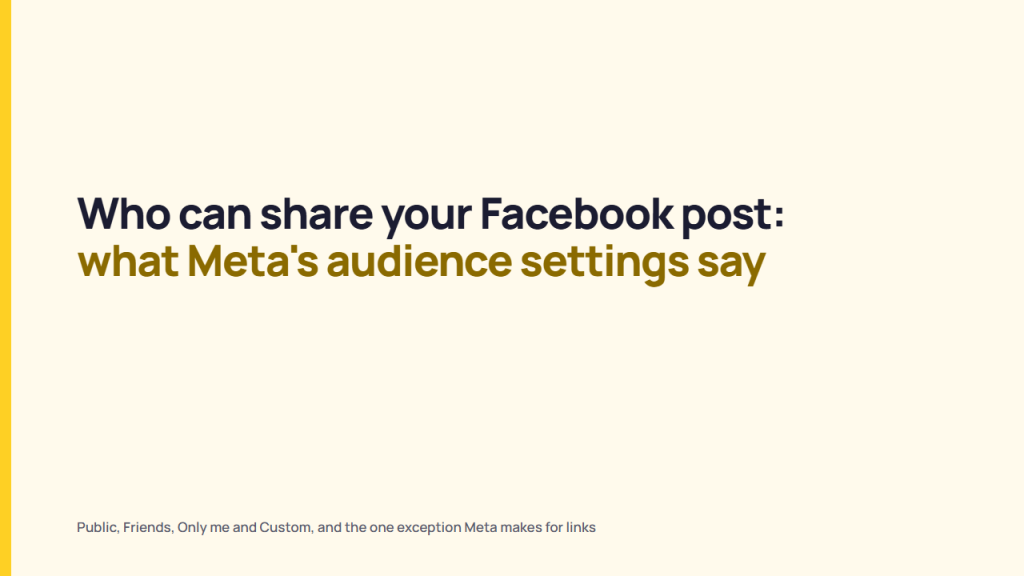
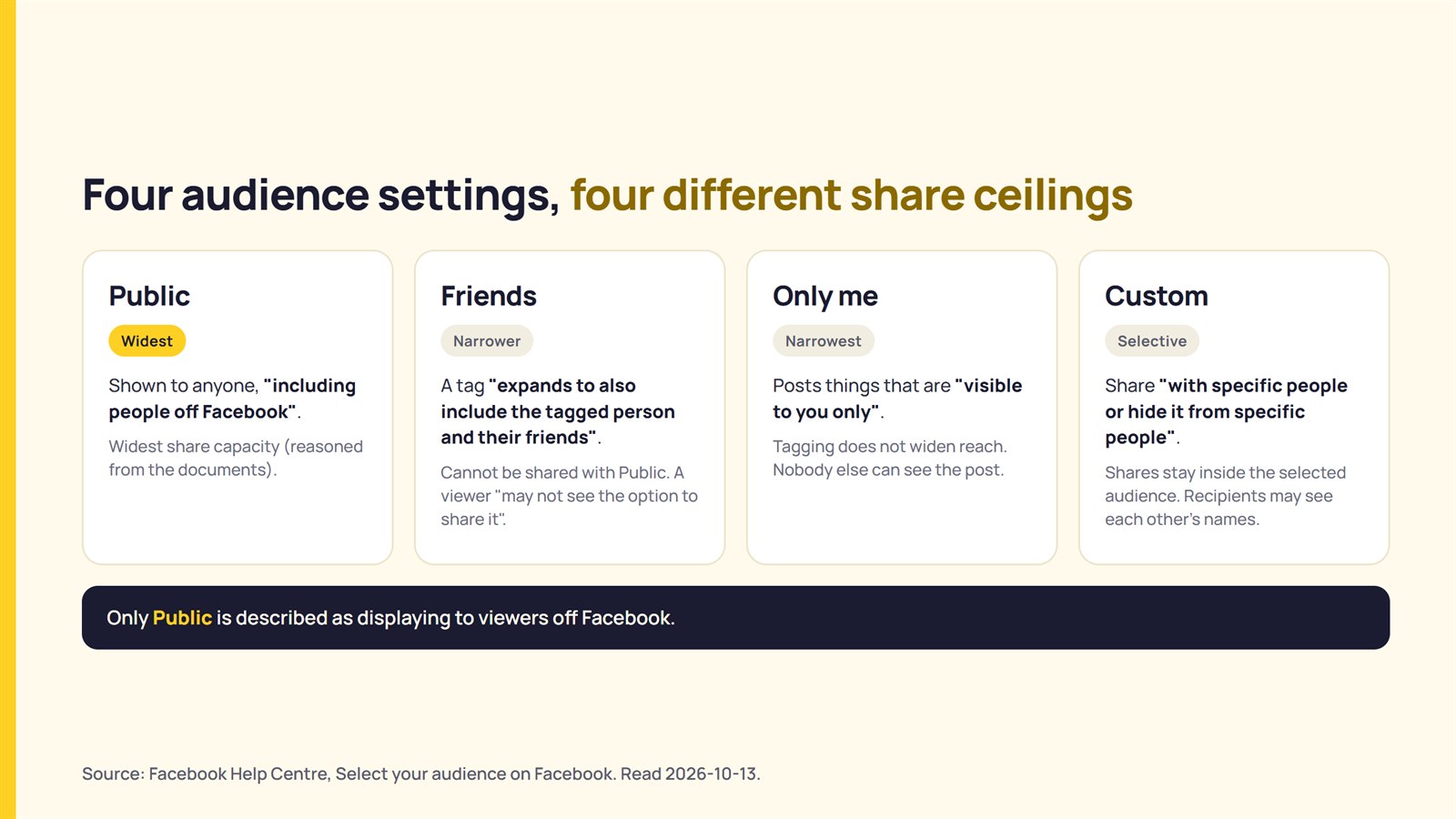
Meta lists four audience setting options: Public, Friends, Only me, and Custom.
Check the table to see what Meta says about each setting and what the sharing option carries:
| Audience | What Meta’s Pages Say | What it Means for Sharing |
|---|---|---|
| Public | Shown to anyone, “including people off Facebook” | Widest share capacity (reasoned from the documents) |
| Friends | Posts to Friends. If someone is tagged, “expands to also include the tagged person and their friends” | Meta states that based on a post’s privacy settings, “you may not see the option to share it”. A Friends post cannot be shared with Public |
| Only Me | Posts things that are “visible to you only”; tagging doesn’t widen reach | Meta states no sharing rule on this page. Nobody else can see the post (reasoning) |
| Custom | Allows you to “selectively share something with specific people or hide it from specific people”; can use friend lists, groups, or networks as well | Shares stay inside the selected audience (reasoning); people who can see the post can also see the audience, and Custom recipients may see each other’s names |
Sources: Select your audience on Facebook; Share a post that you see in your Feed on Facebook; Who can see your audience selection on Facebook. Read 2026-10-13.
Only the ‘Public’ setting option is said to display to viewers outside Facebook. The 3 other options have narrower audience ranges. The share ceiling follows them.
Also, Meta says tagging adds the tagged person and their friends. These people are the original audience, so they stay inside the share ceiling too (reasoning). Moreover, Meta allows you to switch off the extended list with the ‘Custom’ setting to untick “Friends of those tagged”.
What happens when someone clicks Share
Meta’s Help Centre lists seven share actions for your Feed post. Also, it mentions the options provided based on the post’s privacy settings:
- Share now
- Share to Feed
- Share to your story (custom)
- Send in Messenger
- Share to a group
- Share on a friend’s profile
- Share to a Page
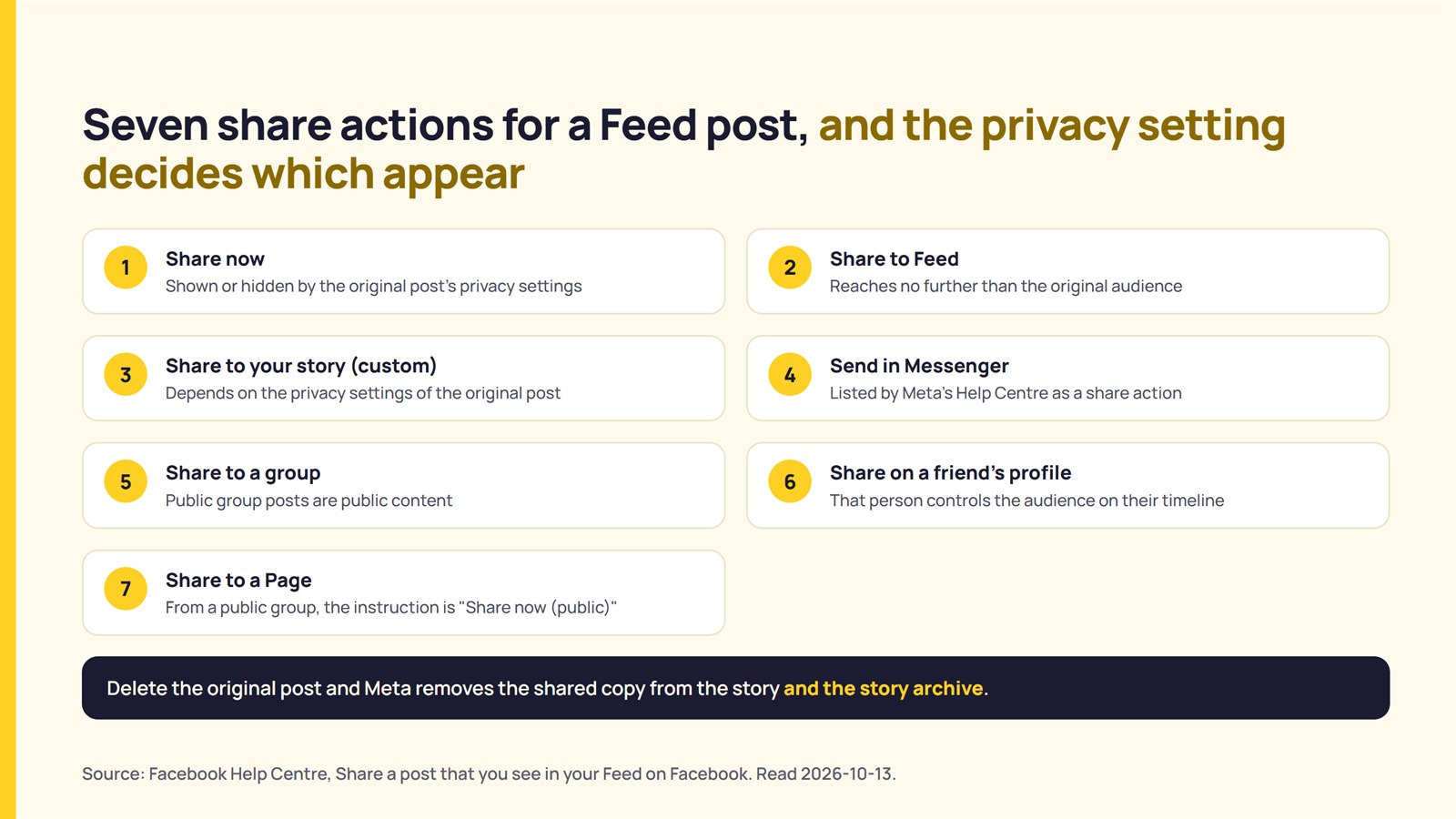
Meta says that a person can share a Feed post to their profile story “depending on the privacy settings of the original post”. Friends of that account can tap on the story to view the post. However, if the original post is deleted, Meta removes the shared copy from the story and the story archive.
Based on the bakery’s Saturday post example, Meta says a person “may not see the option to share it”. Meta’s pages read that a customer outside the audience range wouldn’t see the post at all. The missing button on Saturday is therefore a question about the post’s audience before it is a question about Facebook.
Whether a brand may reuse (share or repost) someone else’s post is a different topic. What each platform’s terms say about reusing someone else’s post covers that.
The link exception to the audience rule
Meta’s Help Centre includes one exception to the audience setting limit. It applies to links. Meta says a friend “can share the link with a wider audience than you originally shared it with” and text you added “will not be shared”.
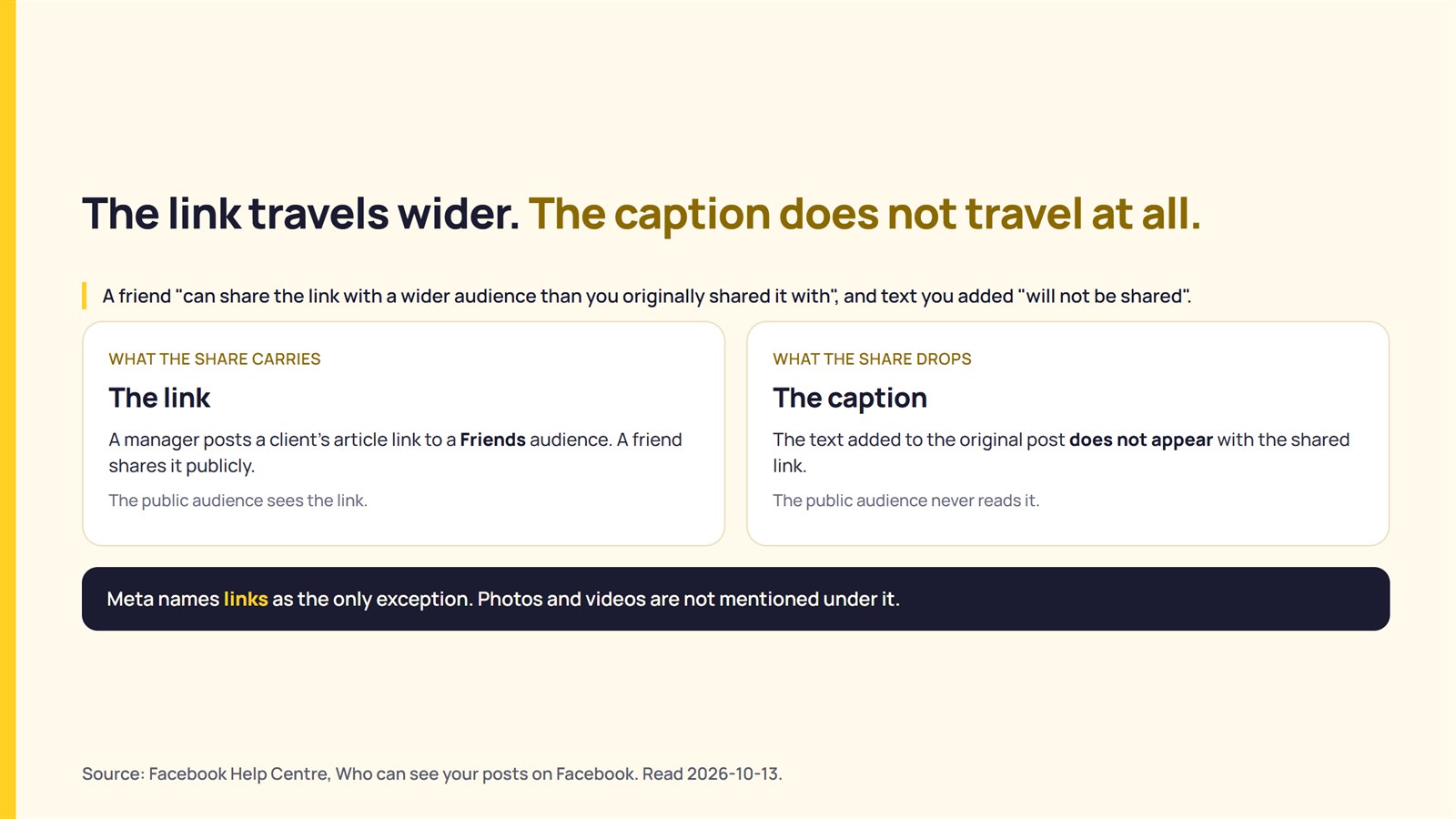
For example: a manager posts a client’s article link to a Friends audience with a caption, and the friend shares it publicly. The audience sees the link only; the caption doesn’t appear at all.
Meta highlights links as the only exception; there’s no mention of images or videos. Treat the exception as applying to links alone.
Page posts, group posts, and tagged posts
Meta’s Help Centre provides information separately on audience control for profile posts, page posts, and group posts.
Meta highlights “default audience settings for Page posts are different from settings for profile posts” when you look for who can see your posts. There is a separate Meta page that explains the limitations of a Page post.
In Meta Business Suite, the manager creates the post, selects Restricted under Privacy settings, and chooses the audience. Meta adds that if someone shares the post, “only people in the audience that you choose for the post will be able to see it”.
Meta’s public information page highlights Page posts as public content: “Posts and comments on Facebook Pages or public groups are public”. 2 pages from Meta together outline the public Page post that a manager can restrict in Meta Business Suite; this is a reading of Meta’s two pages together, not a statement.
For group posts, Meta’s instruction for sharing a post from a public group to a Page is to click Share and select ‘Share now (public)’. The Help Centre pages do not provide any relatable instructions for private groups. Also, Meta says that for locked profiles, sharing choices are “more restricted” but does not explain how.
For example: An agency manager publishes the offer (announcement) from the Page while the bakery owner shares it from a personal profile. The owner’s share will get as much reach as allowed by the Page’s post audience settings (as reasoned). The Restricted setting works for client posts that only a defined group of people needs to see. It does not fit an offer meant for everyone.
What happens when you change the audience settings after a post is live
Meta allows you to change the audience setting for a post you already shared. The audience selector sits next to the date on the post. A new choice changes that post only. The next post returns to the default audience set in privacy settings. Meta’s page readings show that you control the audience when someone posts on your timeline.
Meta’s pages do not say what happens to shares already made when the creator narrows the audience. That point is not published.
Check a post before you ask people to share
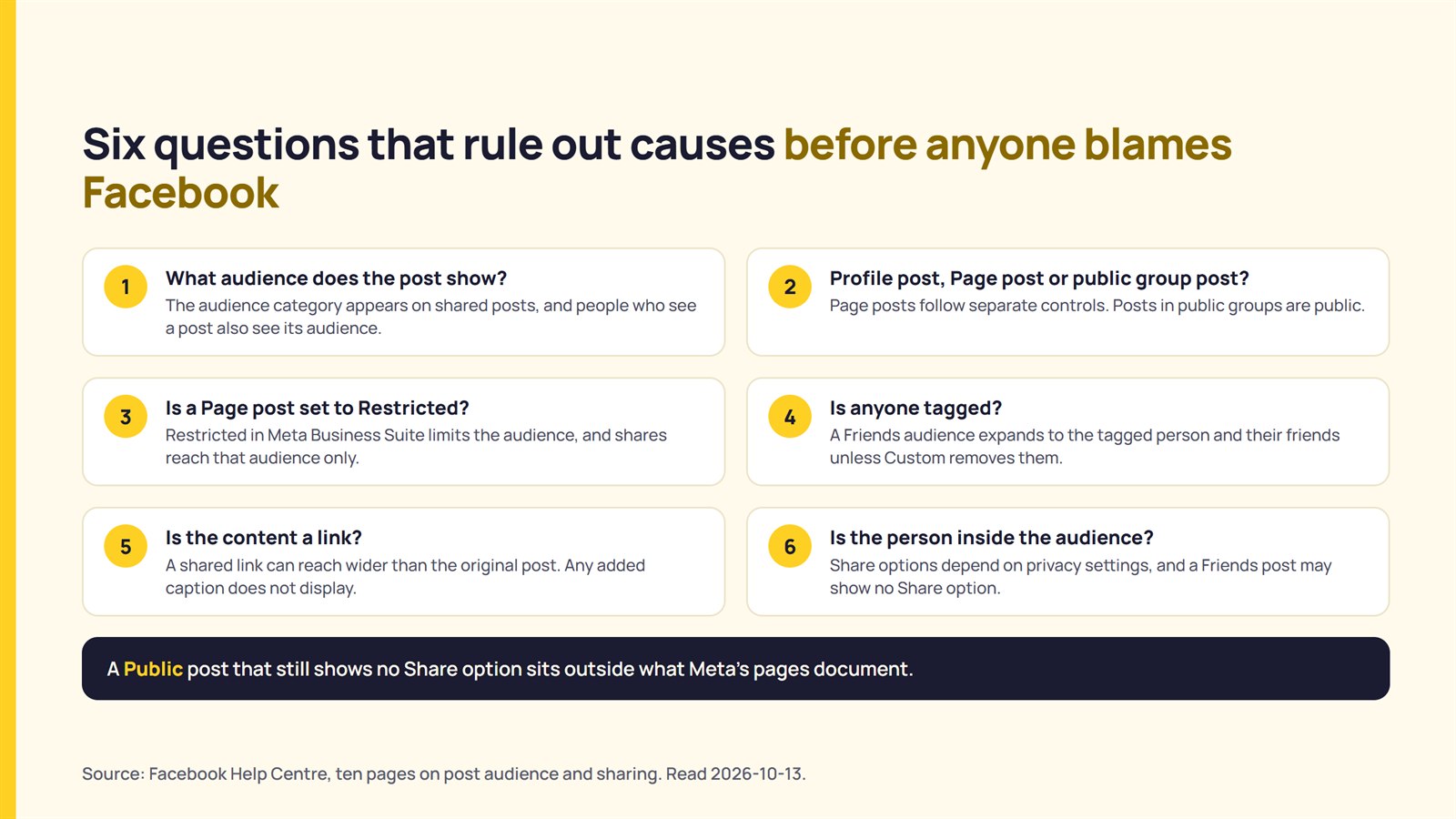
Six questions help rule out causes before anyone blames Facebook or the post. They run in the order the documentation rules out causes:
| Question | What Meta’s Help Centre says to look for |
|---|---|
| 1. What audience does the post show? | The audience category appears on shared posts; people who see a post also see its audience. |
| 2. Is it a profile post, a Page post, or a public group post? | Page posts follow separate controls. Posts in public groups are public. |
| 3. Is a Page post set to Restricted in Meta Business Suite? | Restricted in Meta Business Suite limits the audience and shares reach to a limited audience. |
| 4. Is anyone tagged? | A Friends audience expands to the tagged person and their friends unless Custom removes them. |
| 5. Is the content a link? | A shared link can reach a wider audience range than the original post. Any added caption does not display. |
| 6. Is the person who cannot share inside the audience range? | The Share options shown depend on the post’s privacy settings, and a Friends post may show no Share option. |
The reason why a ‘Public’ post doesn’t show a Share option to a viewer is outside what Meta’s Help Centre pages document. Tell the client rather than guess.
What could not be confirmed?
The following reading of Meta’s Help Centre cannot confirm six points:
- A per-post sharing switch (none of the ten pages describes one, and absence from these pages is not proof that none exists)
- The impact on existing shares when a poster changes settings to a narrower audience category
- The rule to share posts in private groups
- The last time each of the 10 Meta Help Centre pages was revised
- The audience rules for Reels and Stories (not provided in this guide)
- Production behavior. Documentation describes intended behavior and is not a test of it
FAQ
How do I make a Facebook post shareable?
You can make a Facebook post shareable by selecting the ‘Friends’, ‘Custom’, and ‘Public’ audience setting options. ‘Public’ supports the widest audience range and allows a greater number of shares. For a Page post, check that the privacy setting is not ‘Restricted’.
Can people share a Friends-only post?
Meta says that a viewer of a Friends post “may not see the option to share it”. Where it appears, Meta highlights that the audience cannot share it with Public.
Can someone share my Facebook post to their story?
Meta’s Help Centre says that sharing a Feed post to a story depends on the privacy settings of the original post. The Help Centre pages provide no further conditional information.
Does changing a post’s audience change shares already made?
Meta’s Help Centre pages do not say what happens to the existing shares when a poster changes the post’s audience after it was shared.
Sources
Publisher, page title, URL, read on 2026-10-13 (English locale).
- Meta, Facebook Help Centre, “Who can see your posts on Facebook“, read 2026-10-13
- Meta, Facebook Help Centre, “Share a post that you see in your Feed on Facebook“, read 2026-10-13
- Meta, Facebook Help Centre, “Select your audience on Facebook“, read 2026-10-13
- Meta, Facebook Help Centre, “Choose who can see your post on Facebook“, read 2026-10-13
- Meta, Facebook Help Centre, “Change the audience of a post on Facebook“, read 2026-10-13
- Meta, Facebook Help Centre, “Who can see your audience selection on Facebook“, read 2026-10-13
- Meta, Facebook Help Centre, “Public information on Facebook“, read 2026-10-13
- Meta, Facebook Help Centre, “Share a Feed post to your story on Facebook“, read 2026-10-13
- Meta, Facebook Help Centre, “Control who can see your Page’s posts on Facebook“, read 2026-10-13
- Meta, Facebook Help Centre, “Share a Facebook group post to your Facebook Page“, read 2026-10-13