A media kit is the document a brand opens before it decides whether to reply to your pitch. It shows who you are, who follows you, what your content looks like, what you charge and who you have already worked with. Most creators build one once and then send it for a year. By the third pitch the follower count is wrong, the rates are old and the newest collaboration is missing.
So the useful question about a media kit maker is not how good the templates look. It is how the numbers get into the kit and who keeps them current. Some tools pull stats straight from your accounts. Most are design or presentation tools where you type every figure yourself and update it by hand. That split decides how much work the kit costs you after day one.
This guide compares seven media kit makers for creators and influencers: what each one does in practice, what it costs, where it falls short and who it suits. Prices are as listed on each vendor’s pricing page and change often, so check the current figure before you pay.
The seven at a glance
The column that separates these tools is the second one. Everything else is secondary.
| Tool | How stats get in | Free plan | Paid from | Shared as |
|---|---|---|---|---|
| CreatorsJet | Pulled from connected accounts | Yes, one kit and one account | $12/month, billed annually | Live link, PDF on paid plans |
| Canva | Typed by hand | Yes | About $15/month for Pro | PDF, PNG, view-only link |
| Adobe Express | Typed by hand | Yes | $9.99/month for Premium | PDF, PNG, JPG, link |
| Visme | Typed or pasted as data | Yes, with Visme branding | $12.25/month, billed annually | PDF, PNG, JPG, live link |
| Storydoc | Typed; social embeds possible | 14-day trial only | $19.80/month, billed annually | Interactive link, QR code, embed |
| Gamma | Typed by hand | Yes, with Gamma branding | $8/seat/month, billed annually | Link, PDF, PPTX, PNG, Google Slides |
| Piktochart | Typed or imported from CSV | Yes, two PNG downloads | $10/member/month, billed annually | PNG on Free and Pro, PDF on Business |
What a media kit maker needs to do
A tool earns a place in your workflow when it covers most of this list. Each row is a check you can run in a free trial.
| Requirement | Why it matters |
|---|---|
| Current stats | Follower counts and engagement rates move weekly. A tool that connects to your accounts saves you from editing a PDF before every pitch. |
| A link, not only a file | Brands forward kits internally. A link shows the latest version. An attached PDF is out of date the day it is sent. |
| Rates and packages | Space for a rate card, so a brand sees what working with you looks like before the first call. |
| Proof | Past collaborations, testimonials and examples of sponsored content. |
| Design you can live with | You should be able to match your branding without losing an afternoon to layout. |
| A fair free plan | Most creators start with one kit and one or two accounts. A free tier should cover that. |
| Fast updates | Time yourself changing one follower count, one rate and one collaboration logo. If it takes more than five minutes, you will stop doing it. |
The last row is the one that predicts whether the kit stays accurate. A beautiful kit that takes twenty minutes to edit gets edited twice a year.
How these seven were chosen
Roughly twenty tools were considered. Each one on this list had to be an established product with a working free plan or trial, a media kit feature or media kit templates, output you can share as a link or a file, and public pricing. Template marketplaces and link-in-bio apps where the media kit is an afterthought were left out.
1. CreatorsJet
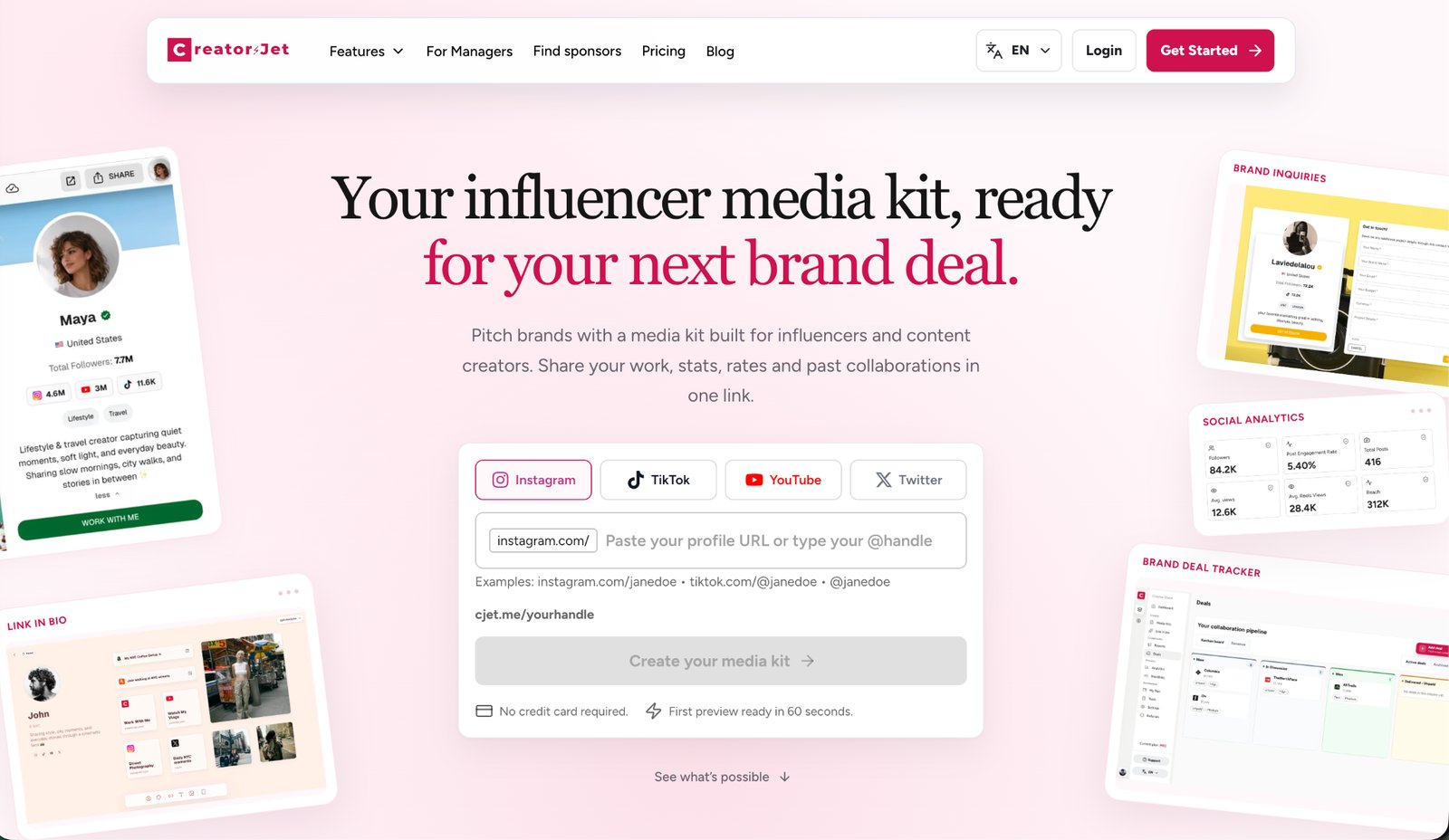
CreatorsJet is a media kit maker built for influencers, content creators and UGC creators. You paste an Instagram, TikTok, YouTube or X profile URL, pick the platform, create a free account, and a first version of your kit is ready in about a minute. Connect your accounts and the kit pulls in your latest statistics, content and audience data, so the link you share stays accurate without edits.
How it works in practice
Setup is the shortest on this list. From the first draft you add the sections brands look for: a short bio, services, a rate card, audience demographics, past collaborations and a gallery. Each section is a form, not a design canvas, so the layout is handled for you and there is no alignment to fight with.
The finished kit lives at a permanent cjet.me link that you put in your bio, email signature and pitches. An inquiry form is attached, so a brand that likes what it sees can send a collaboration brief from the page. Those briefs land in a deal tracker in your dashboard, which also holds deadlines and next steps. When a brand asks for a file, the paid plans add a PDF download.
Other features worth knowing about:
- Platforms: Instagram, TikTok, YouTube, X, Facebook, Twitch, Snapchat, Threads and LinkedIn.
- Stat refresh: daily on paid plans.
- Extras: link in bio pages, trackable short links and media kit performance tracking.
- Find Sponsors: a searchable directory of 25,000+ influencer marketing contacts at brands, with roles, LinkedIn profiles and emails where available. It is included in the Creator Max plan only.
Pricing
| Plan | Price | What it adds |
|---|---|---|
| Free | $0, no time limit | One media kit, one connected account |
| Creator Starter | $12/month, billed annually | Three connected accounts, daily stat refreshes |
| Creator Pro | $24/month, billed annually | Three media kits, ten connected accounts, tracked short links |
| Creator Max | $40/month, billed annually | Six media kits, Find Sponsors |
Applies to creators who pitch brands regularly and are tired of rebuilding a PDF each time. The inquiry form and deal tracker make it a pitching tool as much as a kit maker.
Does not apply to creators for whom a fully custom look matters more than current numbers. You can change colors and the content of each section, but you cannot redesign the layout the way you can in Canva. The free plan also covers one connected account, so a creator active on three or four platforms needs a paid plan to show all of them.
2. Canva
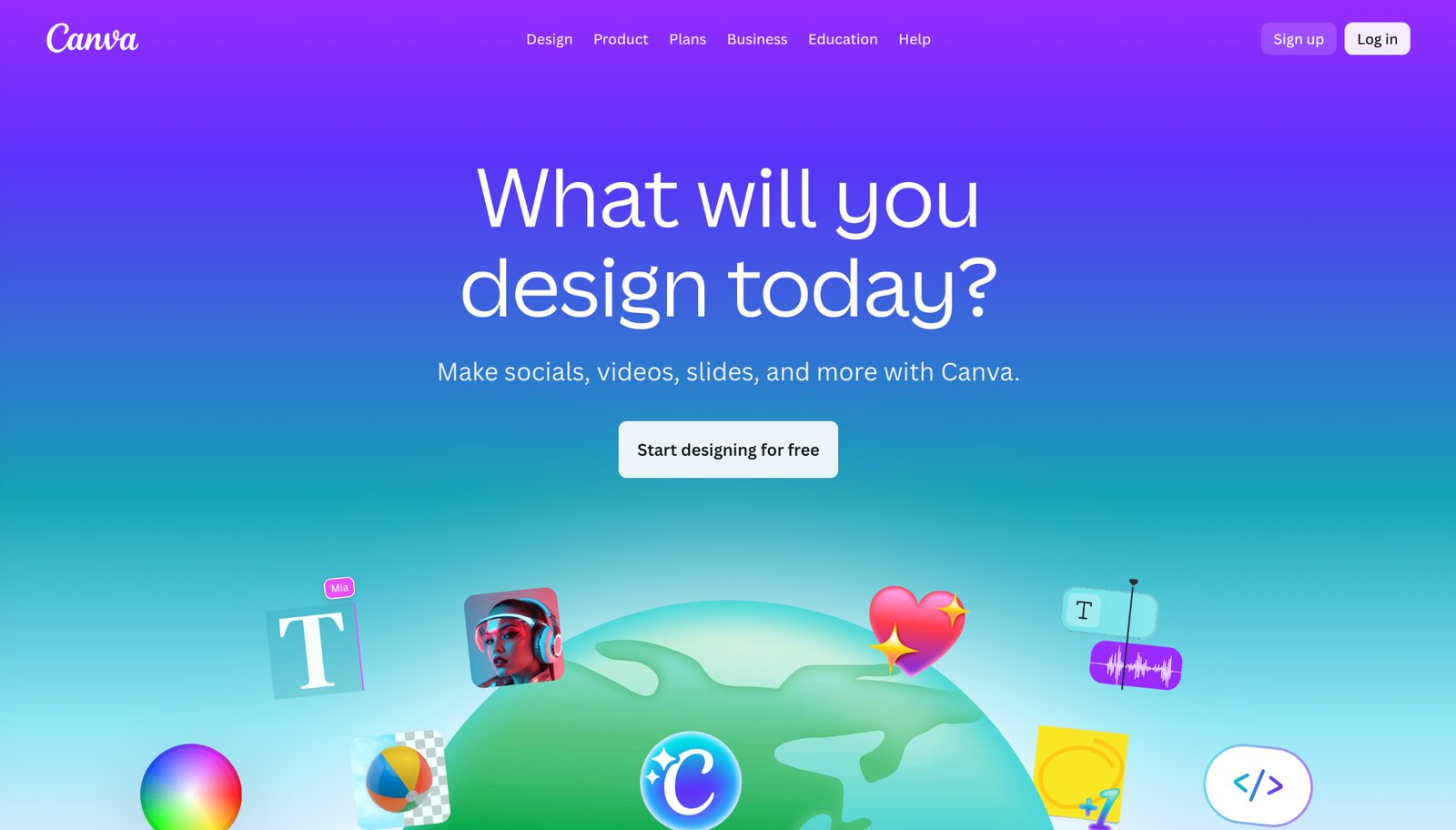
Canva is the design tool most creators already know, and its library holds thousands of media kit templates. You pick a template, swap in your photos, type your stats and rates, and export a PDF or share a view-only link. Nothing is automated. The design range is unmatched, and most creators can produce a clean one- or two-page kit in under an hour.
How it works in practice
Search “media kit” and the results are sorted by style (minimal, bold, pastel, editorial) and by niche, such as travel, fitness or food. Most templates run one to three pages and already have the sections laid out: a cover with your photo and handle, a stats page with placeholders for followers and engagement, a collaborations page and a rate card. Editing is drag and drop, and the text boxes are sized so a follower count or a percentage fits without reflowing the page.
Sharing is where you choose between a file and a link. Download a PDF when a brand wants an attachment, or use Share to create a view-only link that updates whenever you edit the design. Canva can also present a design as a simple website, which gives you a media kit page without extra tooling.
Also included: Brand Kit on paid plans (your colors, fonts and logo applied across designs), charts and icons, export to PDF, PNG or link, and AI writing and design assistance in the editor.
Pricing
Canva Free covers most of what a media kit needs. Canva Pro is around $15 per month or about $120 per year depending on your region, and adds premium templates, the full stock library, Brand Kit and background removal. A 30-day Pro trial is available.
Applies to creators for whom design control matters more than automation and who pitch a few times a year.
Does not apply to creators who send kits weekly while their numbers move, because every figure is theirs to keep current. Popular templates are also used by thousands of creators, so an uncustomized one can look familiar to a brand that receives many pitches.
3. Adobe Express
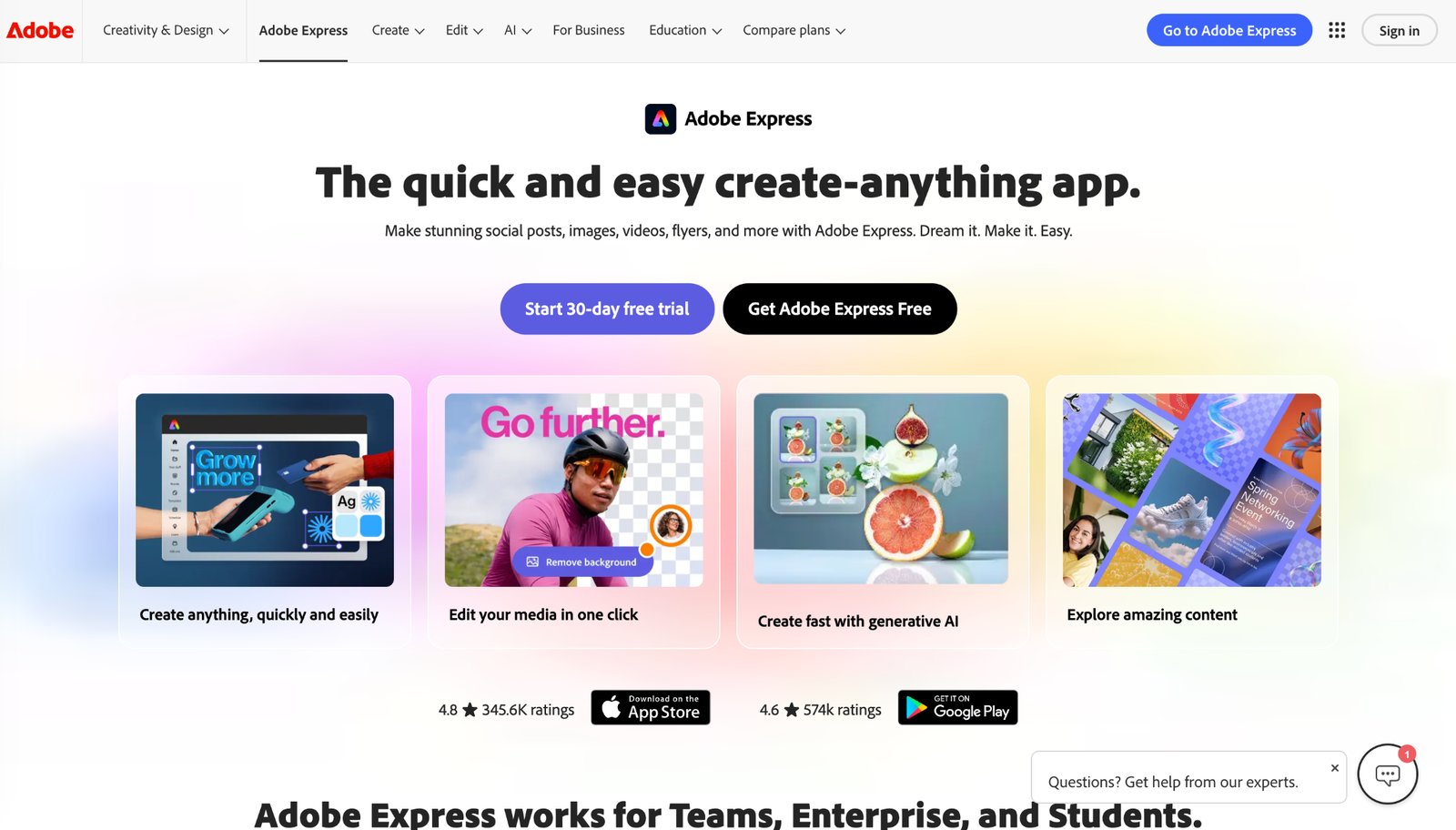
Adobe Express is Adobe’s quick design app and a direct alternative to Canva. It has media kit templates, an approachable editor and access to Adobe Stock and Adobe Fonts. If you already edit in Lightroom or Photoshop, it sits neatly beside them, and the generative AI tools help with backgrounds and quick image fixes.
How it works in practice
Template search works the same way as in Canva. The library is smaller, but the templates tend to be cleaner and less decorated, which suits creators who want a professional look over a playful one. A first-time user can replace the photos, swap the handle and fill in the stats in about twenty minutes. On Premium, the one-click Resize tool turns a one-page email kit into a square version for a story.
Two extras matter for creators. Adobe Fonts gives you thousands of typefaces on Premium instead of the limited free set. And a built-in scheduler for social posts lets you plan content and keep your kit in the same app. Exports go to PDF, PNG or JPG, or you can share a link.
Pricing
Adobe Express Free includes the core editor, templates and 5 GB of storage. Premium is $9.99 per month with no annual commitment and adds all premium templates, the full stock and font libraries, brand kits and 100 GB of storage. A 30-day free trial is available.
Applies to creators who want a polished designed kit at the lowest monthly price, or who already work in Adobe tools.
Does not apply to creators who want a very specific style, since the template selection is narrower than Canva’s. Like Canva, it is manual: you update stats and rates yourself.
4. Visme
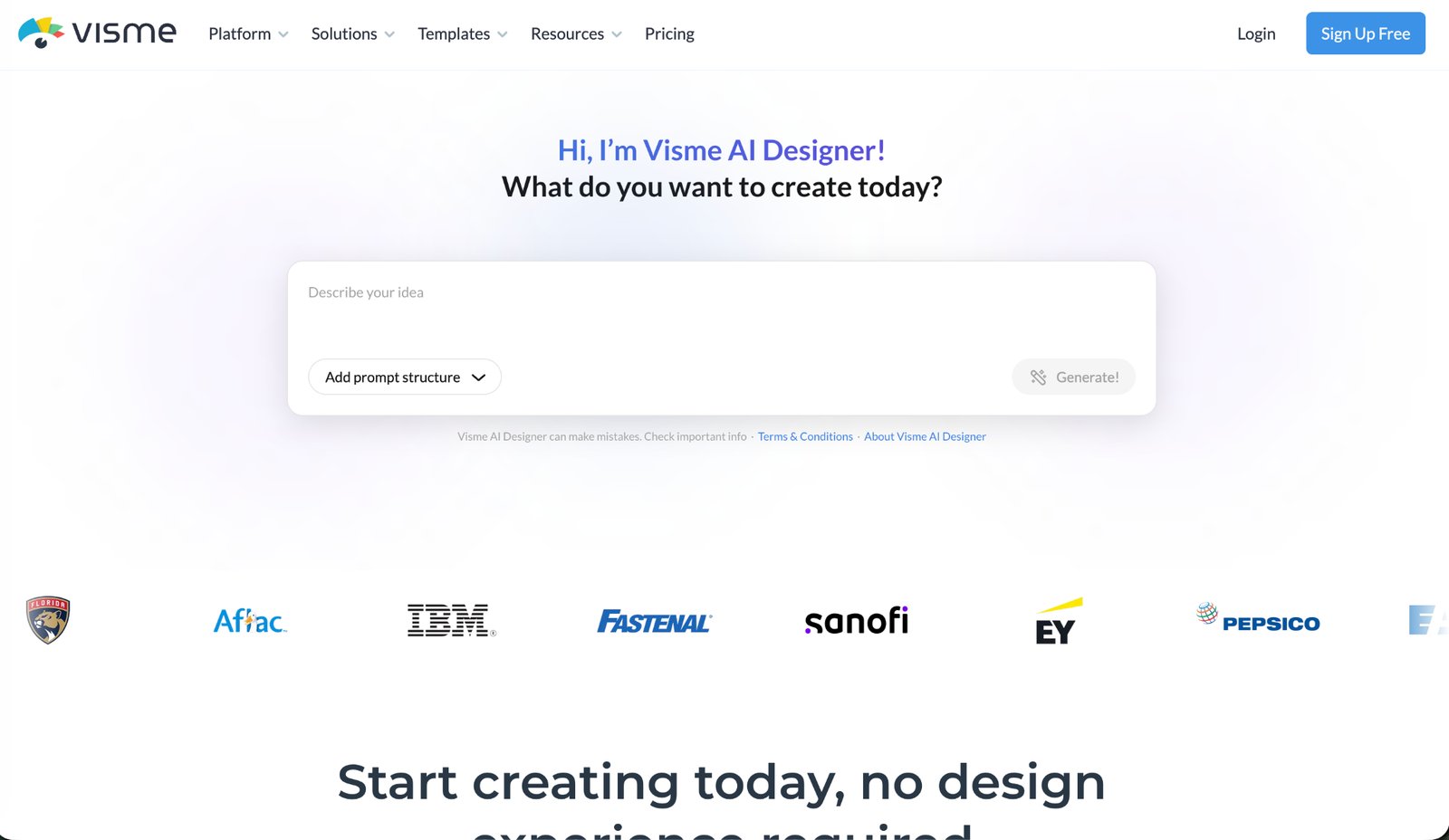
Visme is a visual communication platform for presentations, documents, infographics and one-pagers, and it includes media kit templates. Its strength is data. Charts, graphs and stat blocks look better here than in most design tools, which matters when your audience breakdown is what you are selling.
How it works in practice
Start from a media kit or one-pager template, then build the stats section with the chart tools instead of typing numbers into text boxes. A donut chart for gender split, a bar chart for age groups and a small map for top countries turn an audience section into something a brand manager can read in five seconds. The data editor takes values you type or paste from a spreadsheet, and the charts restyle to match the template.
Visme also supports interactive content. A kit shared as a link can have hover effects, embedded videos of sponsored posts and clickable links to each platform. Free downloads are JPG, PNG and PDF, which is enough for a media kit. Paid plans add analytics, so you can see when a shared link was opened.
Pricing
The Basic plan is free, with Visme branding, 500 MB of storage and downloads limited to JPG, PNG and PDF. Starter is $12.25 per month billed annually ($147 per year) and removes branding. Pro is $24.75 per month billed annually ($297 per year) and adds Brand Kit and team features.
Applies to creators whose charts and demographics are what sell them to brands, and for whom the longer first session is worth it.
Does not apply to anyone who wants a quick fix. It is a bigger tool than one kit needs, the editor has more panels than Canva or Express, and the free plan puts Visme branding on your project.
5. Storydoc
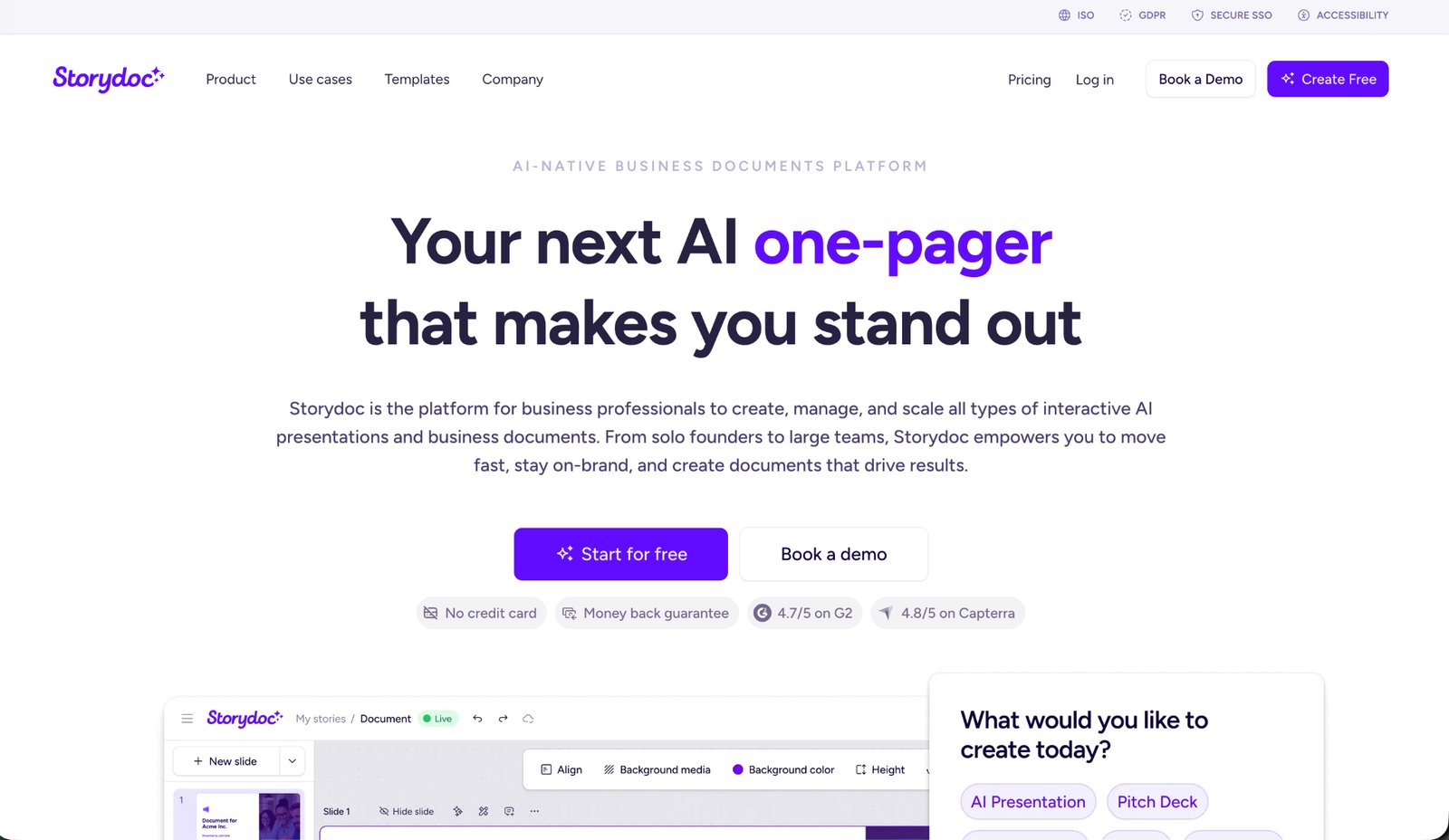
Storydoc builds interactive, web-based documents rather than static PDFs, and it has a dedicated media kit maker. You start from a prompt, a template or your website, and the AI drafts a scrolling kit with your branding. Kits can include videos, social embeds, testimonials and booking links, and every version you share is the live one.
How it works in practice
The generator asks about you, your niche and your audience, then produces a multi-slide kit that scrolls like a web page. Each slide can be rewritten or shortened by asking the AI. You can drop in a video of your best sponsored post, a social embed or a booking link so a brand can schedule a call from inside the kit. Dynamic fields let you personalize a version for each brand with its name and logo, without duplicating the document.
Once shared, Storydoc shows who opened the kit, which sections they read, how long they stayed and when it was forwarded to someone else. The forwarding signal is the useful one: if a marketing manager passes your kit to a budget holder, you know the pitch is moving.
Pricing
There is no permanent free plan. Storydoc offers a 14-day trial with no credit card required. Starter is $19.80 per month billed annually ($237.60 per year). Pro is $36 per month billed annually ($432 per year).
Applies to creators and managers who send many pitches and want to see what brands do with them.
Does not apply to creators on a tight budget. Storydoc is built for sales and marketing teams and its lowest tier costs more than most creator tools. The interactive format also translates poorly to PDF, so brands that insist on an attachment get a weaker version.
6. Gamma
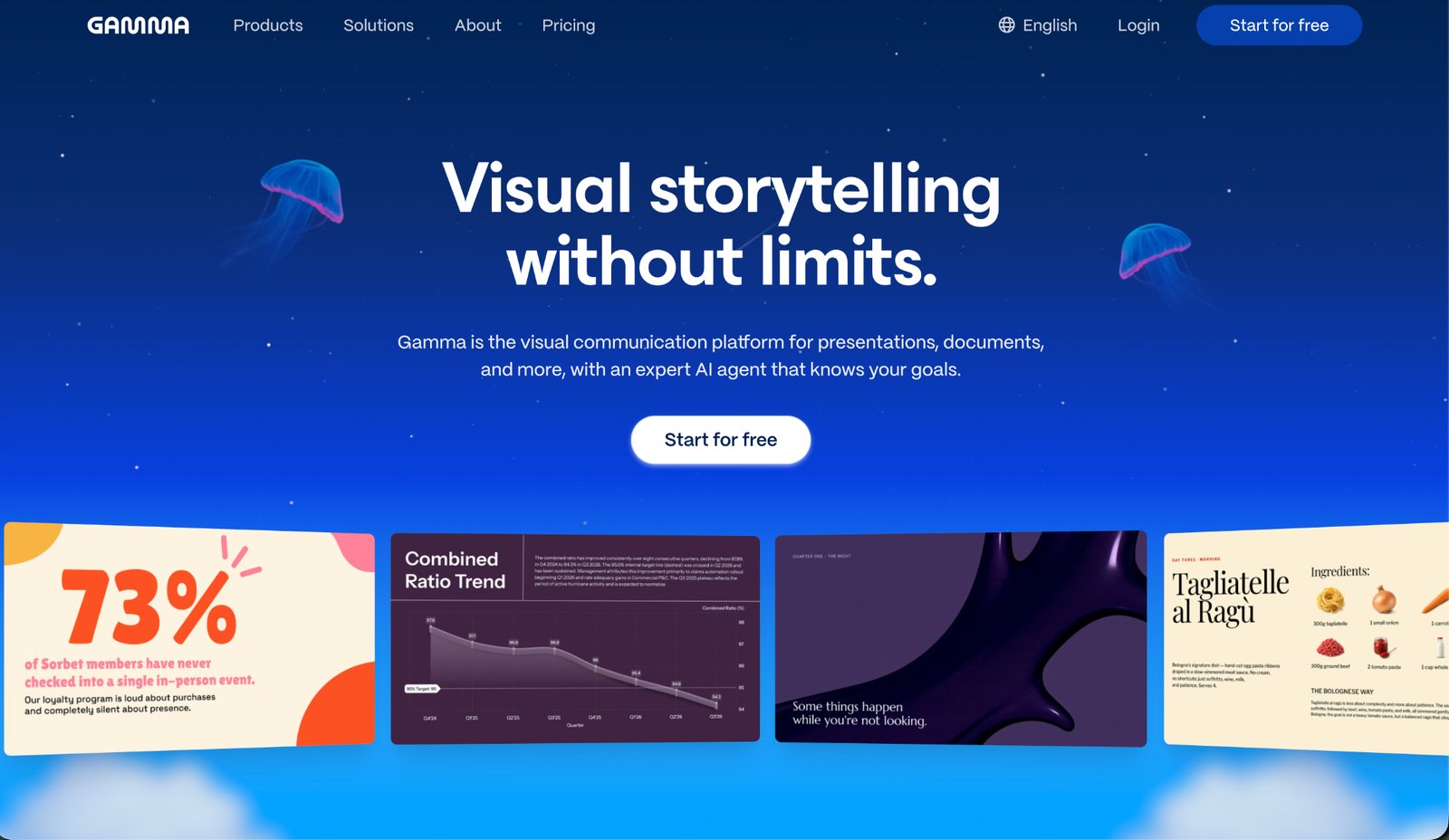
Gamma is an AI presentation and website builder that generates a full deck or web page from a short prompt. For a media kit, you describe yourself, your niche and your audience, and it returns a responsive, card-based document you can edit and share as a link. It is the fastest route on this list to a decent first draft.
How it works in practice
Type a prompt such as “media kit for a travel creator with 80,000 Instagram followers, rates for reels and stories, past work with hotel brands” and Gamma returns an outline, then a finished set of cards with headings, placeholder stats and suggested imagery. You edit the text in place, swap in your own images and adjust the theme. The cards reflow for phone and desktop, so the same link works in an email or a browser.
Exports cover PDF, PPTX, PNG and Google Slides. Pro adds analytics and custom domains if you want the kit at your own address.
Pricing
The Free plan includes 400 AI credits at signup and exports to PDF and PPTX, with Gamma branding. Plus is $8 per seat per month billed annually and removes the branding. Pro is $18 per seat per month billed annually and adds custom branding, analytics and custom domains.
Applies to creators who need something presentable in minutes and will edit it afterwards.
Does not apply to a finished kit that has not been edited. Gamma does not connect to your social accounts, so stats are only as current as your last edit. The AI draft also tends toward generic phrasing and will invent a statistic if you do not supply one, so read every number it suggests.
7. Piktochart
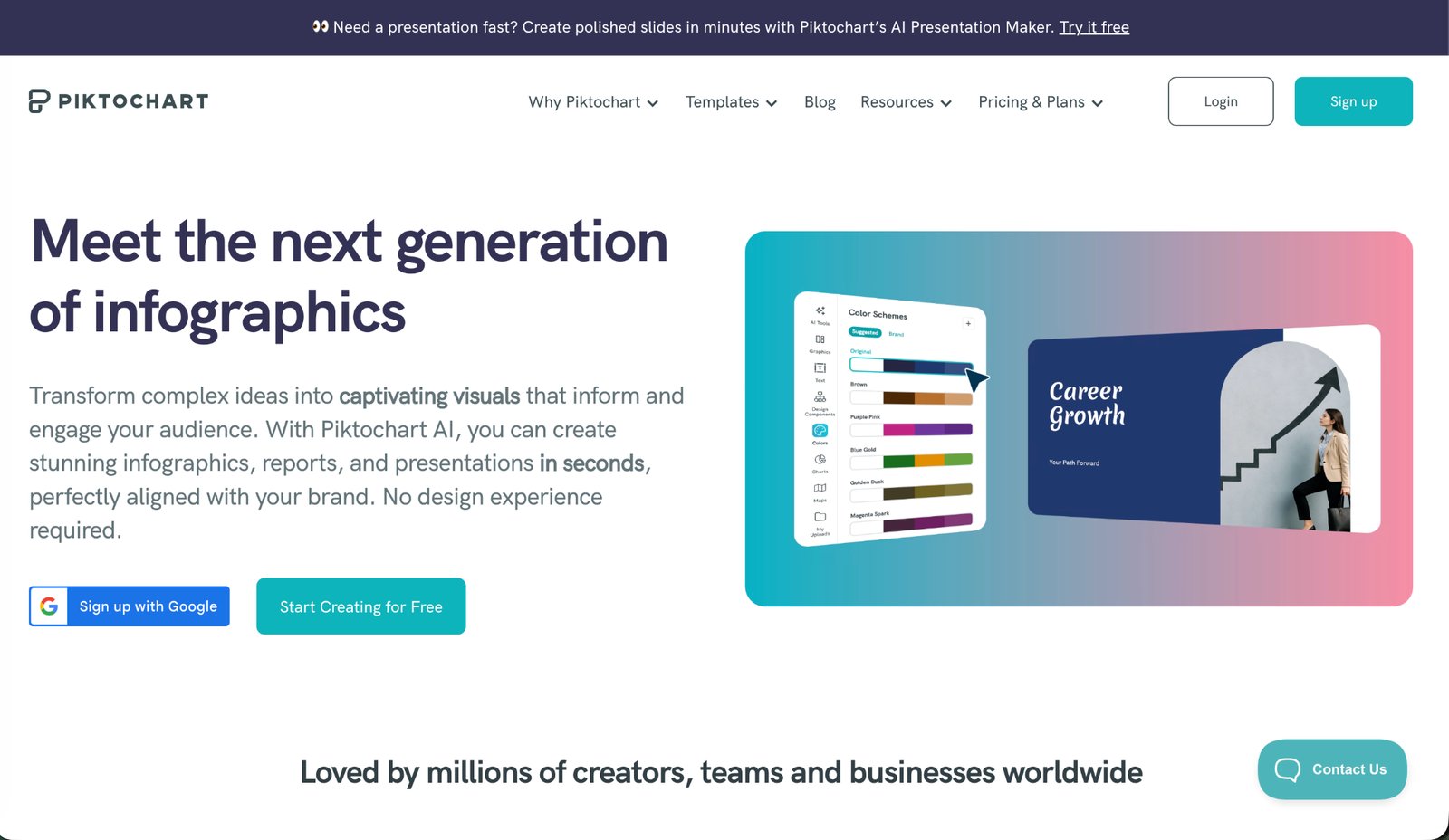
Piktochart started as an infographic maker and has grown into a design platform for reports, presentations and one-pagers. Its strength for media kits is the same as its strength for infographics: clean data blocks, icons and charts that make follower counts, engagement and demographics easy to read on one page. The editor is simpler than Visme’s.
How it works in practice
Pick a one-pager or infographic template and treat the kit as a data story: a header with your name and niche, a row of big-number blocks for followers and engagement, a chart for audience demographics, a strip of logos for past collaborations and a rate card at the bottom. The chart builder accepts a CSV, which helps if you keep your stats in a spreadsheet. A high-resolution PNG is fine for most email attachments, so the PNG-only export on lower plans is rarely a problem.
Pricing
The Free plan allows unlimited projects but only two PNG downloads. Pro is $10 per member per month billed annually ($15 monthly) with unlimited PNG downloads and premium templates. Business is $17 per member per month billed annually and adds PDF and PowerPoint export plus Brand Kit.
Applies to creators who want a single, data-first page with little effort.
Does not apply to creators who revise often or need a PDF. The free plan’s two downloads run out quickly, PDF export needs the Business plan, and there is no social account connection, so numbers are updated by hand.
Free ways to build a media kit without a dedicated tool
If you are not ready for a media kit maker, three general tools do the job at no cost. None of them update your stats, so set a monthly reminder.
| Tool | What it gives you | The catch |
|---|---|---|
| Google Slides | A custom page size, one to three slides, PDF export or a view-only link. The quickest free route to a clean PDF. | Plain design unless you build it yourself. |
| Notion | A published page that works as a living document, with a link that never changes. | It looks like a document, not a designed kit. |
| Figma | Full design control, free for individual use, with community templates for creator media kits. | A learning curve if you have not used a design tool. |
Move to a dedicated tool when manual updates become a chore, or when you want inquiry forms, analytics or automatic stats.
How to choose
Choose by how often you pitch and how much your numbers move.
| Your situation | Start with | Why |
|---|---|---|
| You pitch brands every week | CreatorsJet | Stats update on their own and the link is always current. |
| You pitch a few times a year and care most about design | Canva or Adobe Express | Full layout control, and the kit sits with your other templates. |
| Your audience data is the pitch | Visme or Piktochart | Charts and demographic blocks read cleanly. |
| You want to see how brands read your kit | Storydoc | The most detailed reader analytics, at the highest price. |
| You want a draft in five minutes | Gamma | A presentable first version, which you then edit and fact-check. |
Whichever you pick, the content matters more than the template. Keep the numbers honest, update them before every pitch, show real sponsored posts and state your rates. Brands also look at your recent activity before they reply, so a feed that has gone quiet undercuts a strong kit. If posting consistency is the weak spot, a scheduler such as RecurPost can queue posts across your platforms while you spend your time on outreach.
Where this comparison is silent
- Prices, plan limits and trial lengths are as listed by each vendor and change often. Check the pricing page before paying.
- Which tool “converts” better is not covered. No source publishes how many pitches each kit format wins, and brands vary in what they open and read.
- Features described here come from each vendor’s public pages and product descriptions, not from a long-term test of each kit with real brand outreach.
- The free plans suit a first kit. Limits on connected accounts, downloads and branding are where creators most often hit a paywall.
Questions creators ask about media kits
What should an influencer media kit include?
A short bio, your platforms with follower counts and engagement rates, audience demographics (age, gender, top countries), examples of past collaborations, the services you offer, your rates or packages and contact details.
Is a free media kit maker good enough?
For most creators starting out, yes. CreatorsJet, Canva, Adobe Express and Gamma all let you build and share a complete kit for free. Paid plans mainly add daily stat updates, branding removal and more connected accounts.
Should I send a PDF or a link?
Send a link when you can, and keep a PDF ready for brands that ask for an attachment. A link shows the latest version and can track views. A PDF is a snapshot that goes out of date.
How often should I update my media kit?
Before every pitch. If your tool pulls stats automatically, that happens for you. If not, set a monthly reminder to refresh numbers, add new collaborations and check your rates.
Do I need a media kit with a small following?
Yes. Brands working with nano and micro creators still want to see engagement rate, audience location and content examples. A one-page kit with honest numbers is more convincing than a large following with no context.
Should I put my rates in the media kit?
Most creators should. A starting rate or a set of packages filters out brands with no budget and saves a round of emails. If your rates vary a lot by campaign, list a range or “from” prices.
How long should a media kit be?
One to three pages. Brands skim. Put your strongest numbers and best work on the first page, and keep rates and contact details easy to find.
Can I use one media kit for every platform?
Yes, as long as each platform gets its own stats block. Tools that connect to several accounts, such as CreatorsJet, handle this automatically. In a design tool, make one section per platform and keep the layout consistent.