You published a run of posts for a campaign, opened the GA4 table of sessions by campaign or by post URL, and counted fewer rows than posts. A client or a boss wants the rest accounted for, and you need a sentence that is accurate rather than a guess.
The question the client actually asks
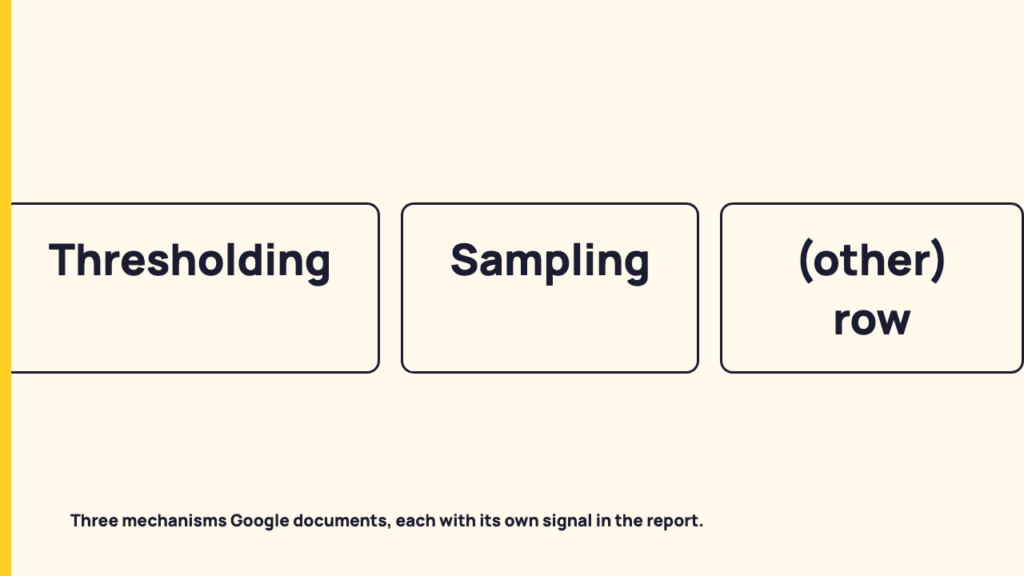
Fewer rows than posts has several possible causes. This post covers three that Google documents in its Help pages: thresholding, sampling and the (other) row. Each has a different signal in the report.
Before any of them, run one plain check. A post that drew no tracked visit never produces a row at all, so a missing row is not always a withheld row. That is a first thing to look at, not a finding about your property, and platform clicks and GA4 sessions are different counts to begin with, as the post on link clicks, landing page views and sessions explains.
One limit on everything below. This post claims no testing of any GA4 property. It works only from Google’s Help pages, read on 18 October 2026, and it quotes or closely paraphrases them. Where it goes beyond what a page says, it says so.
What Google says data thresholds are for
Google’s page “About data thresholds” has a section headed “Why data may be withheld from reports and explorations”. It says thresholds are applied “to prevent anyone viewing a report or exploration from inferring the identity or sensitive information of individual users based on demographics, interests, or other signals present in the data.” It also says they are system defined and that you can’t adjust them.
The page lists two situations under “When data thresholds are applied”:
- Demographics data. Data may be withheld when a report, exploration or API call includes demographic data, or audiences defined using demographic data.
- Search query information. If a report or exploration includes search query information, the row containing that data may be withheld if there aren’t enough total users.
That is the whole list. Campaign name, source and post URL are not named as triggers anywhere on the page. For a social manager this is the key finding: the thresholds page does not say a small campaign row is withheld for being small. Thresholding should not be offered to a client as the default explanation for a short campaign table.
The page also gives the exact wording of the signal. When data is limited by thresholds, the data quality indicator at the top of the report includes this message: “Google Analytics has applied thresholding to one or more cards in this report and will only display the data in the cards when the data meets the minimum aggregation thresholds.”
It names two things that can make thresholding less likely. One is widening the date range: the page says data may be withheld within a narrow date range when user or event counts are low, and expanding the range may let you see previously thresholded data. The other is a remark about BigQuery export, which says Analytics doesn’t export data from Google signals to BigQuery, so event counts per user may differ between the two. The page gives no numeric threshold, and neither does this post.
Sampling: a different mechanism with a different signal
Sampling does not hide rows. According to Google’s “About data sampling” page, it may occur when the number of events used to create a report, exploration or request exceeds the quota limit for your property. Analytics then uses a portion of the data and scales up to give results the page calls directionally accurate. Figures are estimated.
The page states the limit this way: the quota limit for event level queries is 10 million events for standard properties and up to 1 billion events for Analytics 360 properties. Those figures were on the page when it was read on 18 October 2026, and they apply to event-level queries, not to the number of posts or campaigns in your table.
The signal is the data quality icon. When results use sampling, the page says the icon shows the percentage of data used to create them, and that a higher sample size means higher accuracy.
One note on the page matters for how you think about filters. It says filtering large datasets by country may result in sampling in standard reports and Explore, because filtering activates different data processing methods. Treat that as a documented example that filters can change how data is processed. It is about country, and this post does not extend it to campaign filters.
A separate Google page says unsampled data in explorations is only available for Analytics 360. A standard property cannot request it.
The (other) row: the documented reason a table has fewer lines than its values
Of the three, this is the mechanism closest to the symptom. Google’s “About the (other) row” page says that when the number of rows in a table exceeds the table’s row limit, Analytics surfaces only the most common dimension values and condenses the less common ones under (other).
The page’s own worked example uses a table with a 100k row limit for the Pages and screens report and a property with 150k unique pages. Analytics sorts the rows from most to least common and groups the last 50k under (other). That is Google’s example, not a statement about any social report.
The page also says a standard report with one dimension is rarely affected, while reports with secondary dimensions, filters or comparisons are more likely to include an (other) row. And it notes you may see a warning about the (other) row in the data quality icon with no (other) row visible, for instance because a filter hides the rows grouped under it.
A campaign-by-post-URL table has more than one dimension, and post URLs can be numerous. Whether that makes it the kind of table this page describes is an inference from the page, not documented fact about social reports.
Which mechanism touches which report: a reading table
| Mechanism | What Google says triggers it | What the report shows | Rows disappear or figures estimated | What Google says you can do |
|---|---|---|---|---|
| Thresholding | Demographic data or audiences defined with it; search query rows without enough total users | A data quality indicator message about thresholding | Data may be withheld | You can’t adjust thresholds; widening the date range may reduce them |
| Sampling | Events behind a report, exploration or request exceed the property’s quota limit | The data quality icon with the percentage of data used | Figures are estimated from a portion of the data | For the country-filter case, the page suggests reducing the date range; Analytics 360 can request unsampled explorations |
| (other) row | A table exceeds its row limit | An (other) row, or a warning in the data quality icon without a visible row | Less common values are condensed under (other) | Fewer high-cardinality dimensions, existing dimensions before custom ones, standard reports where possible |
None of the three pages says how often any of this happens, and neither does this post.
A checking order before you reply to the client
- Open the report and click the data quality icon. This is the evidence to look at.
- Read whether it names thresholding, sampling or an (other) warning.
- Check whether the report uses demographic data or search query data. Thresholding is tied to those on Google’s page.
- Check the date range. A narrow one is the documented factor for thresholding.
- Check filters and secondary dimensions. Google ties both to the (other) row, and filters to the country example under sampling.
This post cannot tell you which mechanism, if any, hid your rows. If the icon shows nothing, the cause lies outside these three. Two places to look next: consent mode and the social sessions GA4 may not count, and how GA4 decides a visit is social.
What to write in the report
These are drafts to adapt. They are not wording tested with clients. Each names the indicator, states what Google says it means, and says what was or was not checked.
Thresholding shown: “The data quality indicator on this report states that Google Analytics has applied thresholding. Google documents thresholding as applying to demographic data and search query rows, so we are checking whether this report includes either. We have not yet confirmed that it accounts for the missing campaign rows.”
Sampling shown: “The data quality icon shows this report used [X]% of the data. Google says sampling uses a portion of the data and scales up, so figures are estimates rather than exact counts. We have not yet confirmed whether sampling affects which campaigns appear.”
(other) warning shown: “The data quality icon shows a warning about the (other) row. Google says that when a table exceeds its row limit, less common values are condensed under (other). We are checking whether a filter is hiding that row.”
No indicator shown: “This table shows what GA4 recorded. No thresholding, sampling or (other) warning was shown on the report, and the gap between posts published and rows listed is still being investigated.”
The wording avoids “GA4 is wrong” because nothing in the icon shows an error. It also avoids naming a cause you have not confirmed, because the icon is the only evidence you have and a stated cause that later proves false costs more trust than an open question.
Where this leaves a short campaign table
Of the three mechanisms, only the (other) row and sampling are tied by Google’s pages to the size of the table or the size of the query. Thresholding is tied to demographic data and search query data, not to how small a campaign is. A short campaign table is therefore not explained by thresholding on the strength of anything these pages say.
The reading is dated. The four Google pages were fetched on 18 October 2026, and Google can change them. Re-check the page before you quote it to a client.
FAQ
Do GA4 data thresholds hide small campaigns?
Google’s thresholds page ties thresholding to demographic data and to search query information, not to campaign size, and it does not describe a minimum row size for campaigns.
What is the sampling limit in GA4?
Google’s sampling page, read on 18 October 2026, says the quota limit for event level queries is 10 million events for standard properties and up to 1 billion events for Analytics 360 properties, applied per event-level query.
Sources
- [GA4] About data thresholds, Analytics Help, fetched 2026-10-18
- About data sampling, Analytics Help, fetched 2026-10-18
- About the (other) row, Analytics Help, fetched 2026-10-18
- [GA4] Unsampled explorations for Google Analytics 360, Analytics Help, fetched 2026-10-18